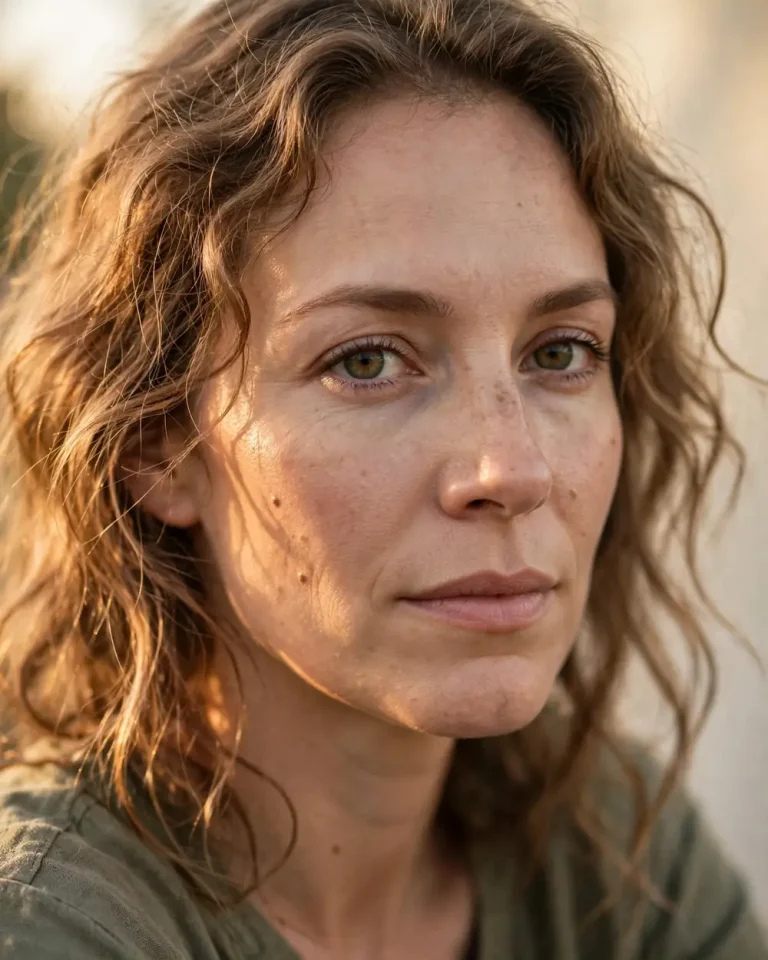
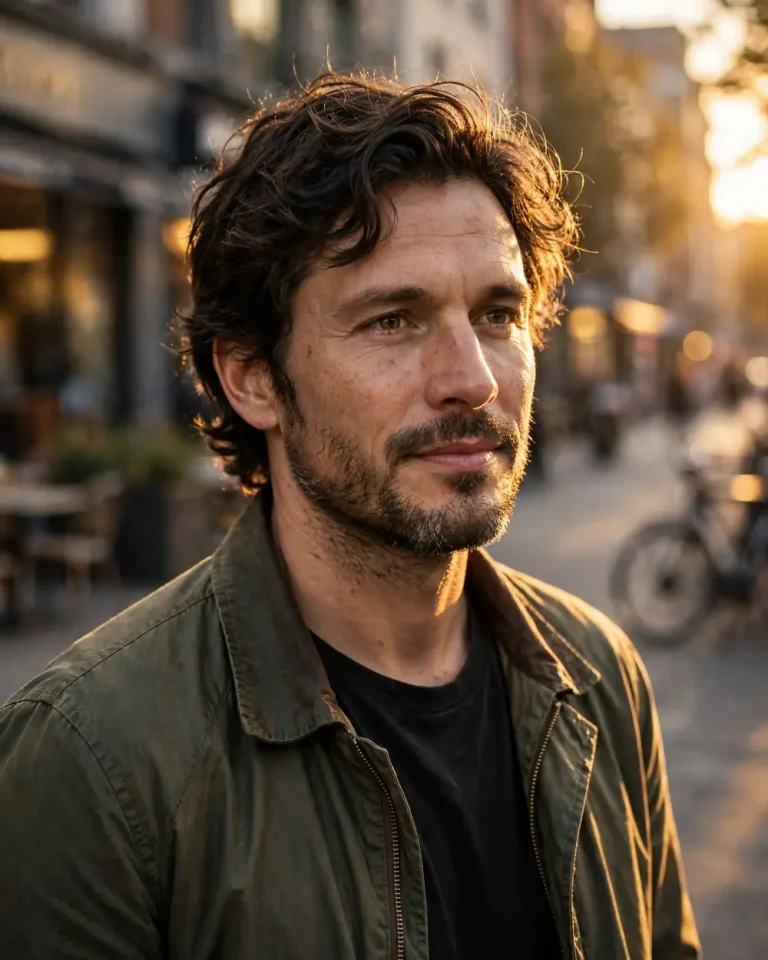
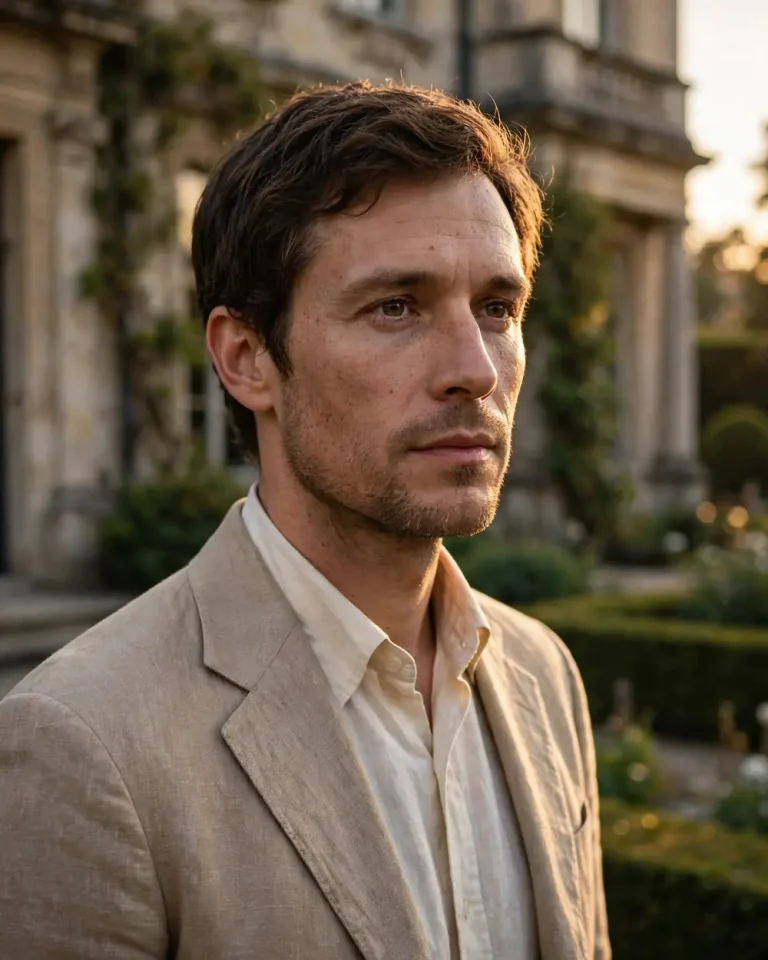
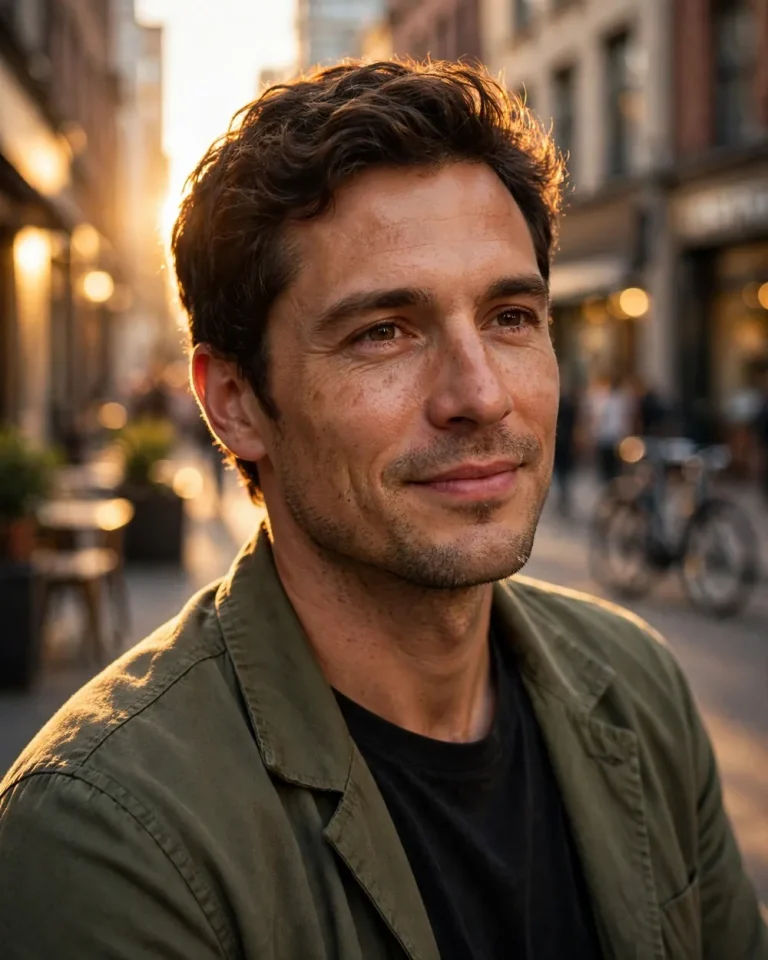
Golden Hour Portrait AI Prompt: 20+ Realistic Ideas
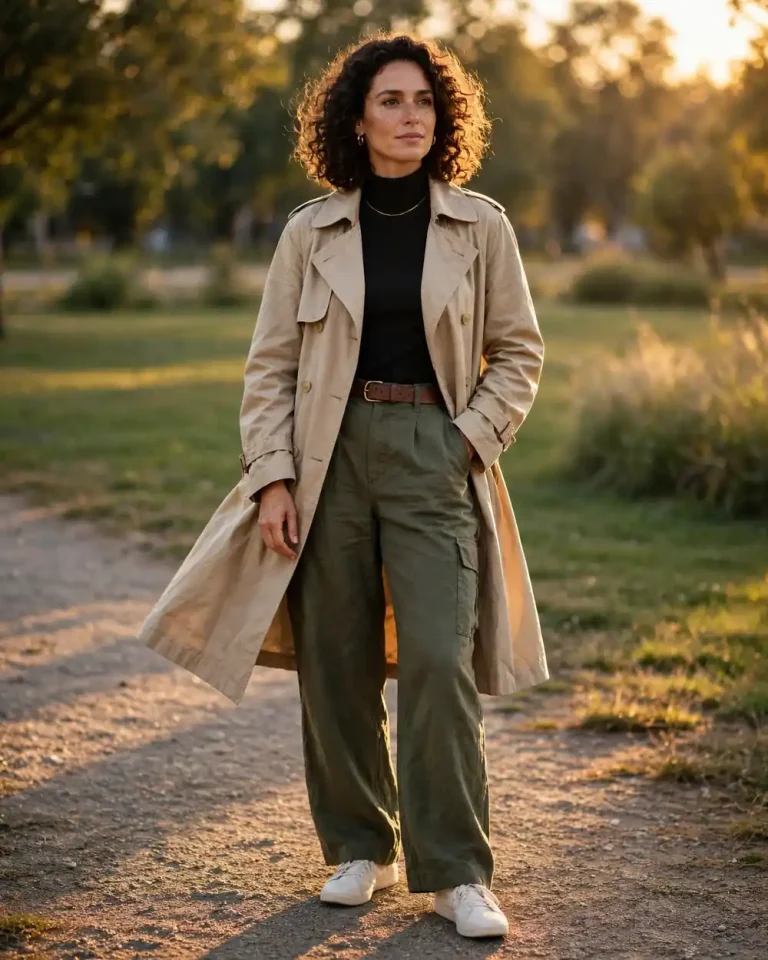
Golden hour portrait AI prompt ideas help you create warm, natural-looking portraits with beautiful sunset lighting. Whether you want an aesthetic photo, a cinematic portrait, a professional headshot, or a romantic couple picture, the right prompt can help you achieve a realistic result.
You can use these prompts with Gemini, ChatGPT, Nano Banana, and other AI image generators. Upload your reference photo when needed, copy a prompt, and adjust the details to match your preferred pose, outfit, and background.
Explore more AI photo prompts for different photography styles and creative image-editing ideas.
Best Golden Hour Portrait AI Prompts
These copy-paste prompts cover different portrait styles, including outdoor photography, cinematic looks, couple portraits, professional headshots, and social media pictures. Replace the details where needed to match your reference image.
1. Classic Golden Hour Outdoor Portrait
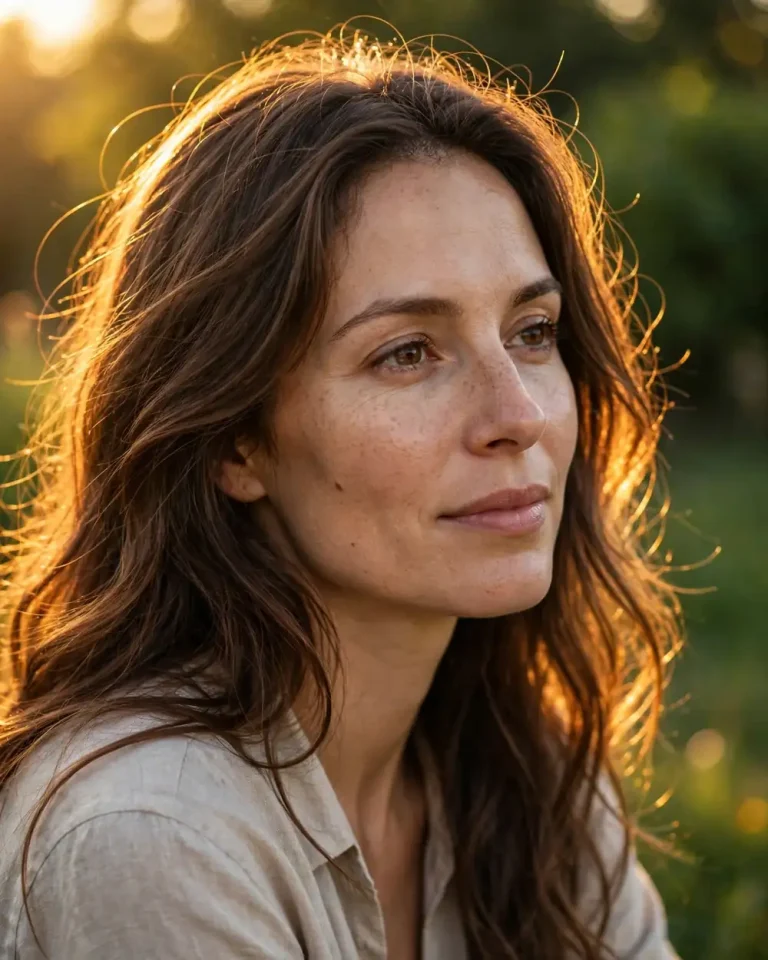
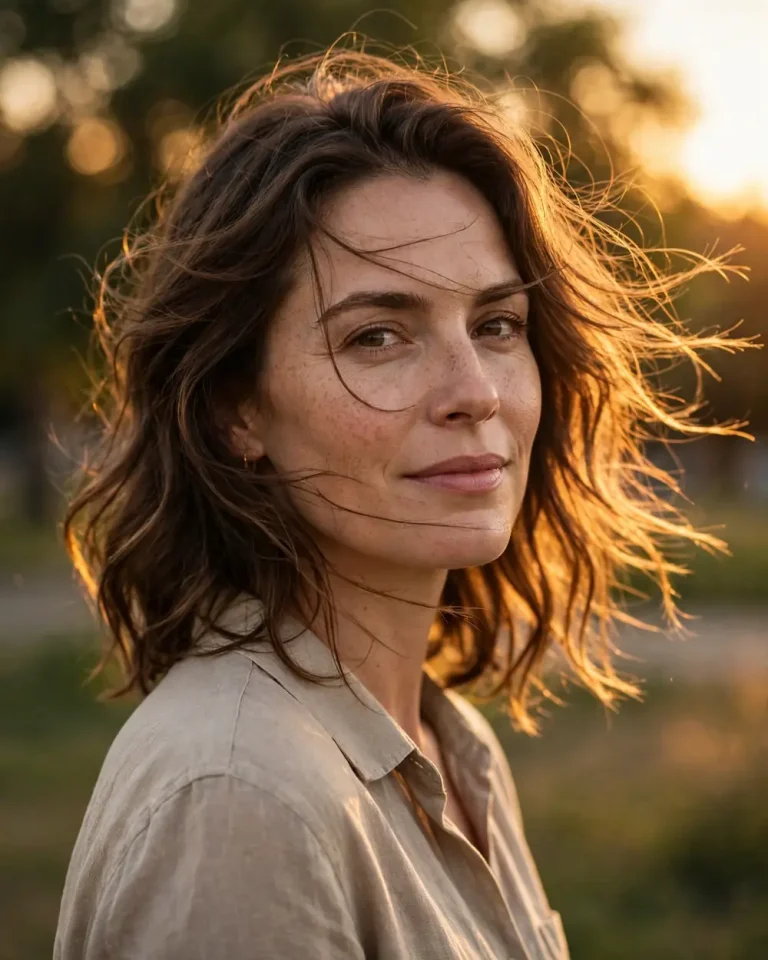
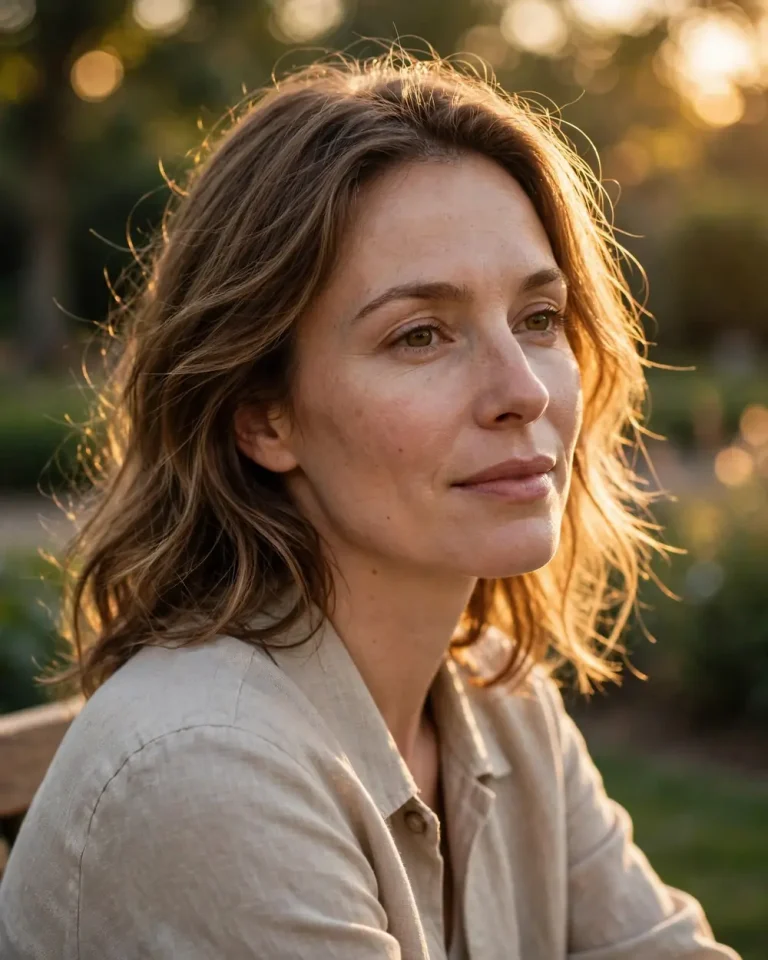
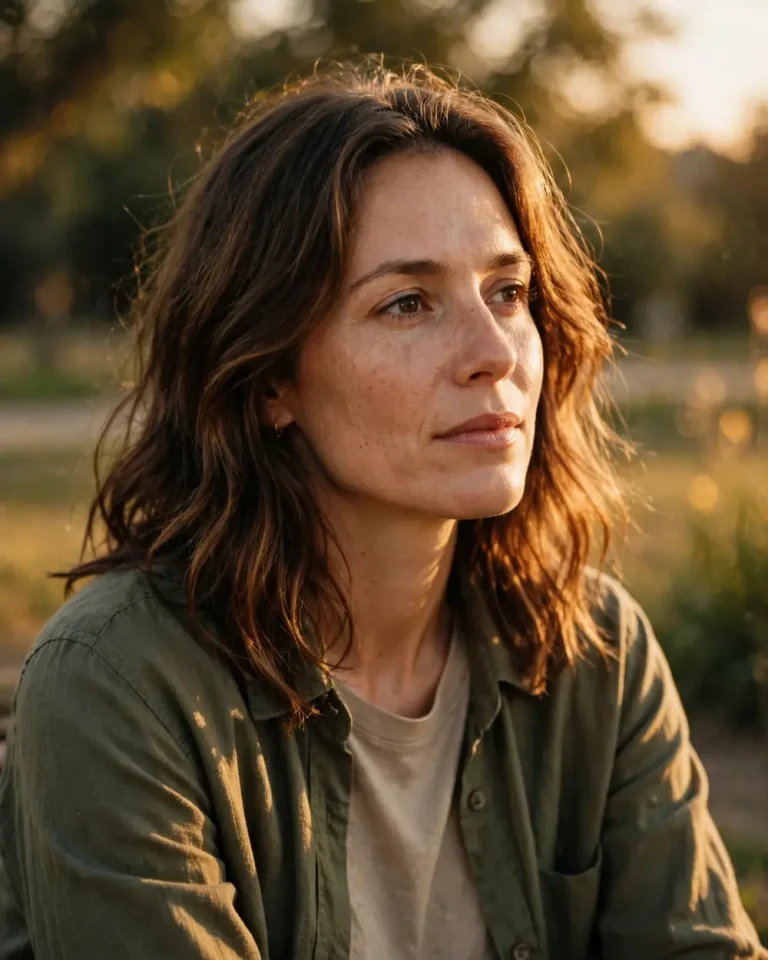
Create a realistic outdoor portrait using the uploaded reference photo. Preserve the person’s exact facial identity, face shape, skin tone, age, and natural features without beautifying or changing their appearance. Place the subject in an open outdoor setting during golden hour, with warm sunlight falling softly across one side of the face and a gentle natural glow around the hair. Use a relaxed pose, subtle expression, and softly blurred green background. Capture realistic skin pores, fine hair details, natural shadows, and balanced highlights. Professional portrait photography, 85mm lens, f/1.8, shallow depth of field, warm 5200K sunlight, natural color grading, realistic bokeh, 4:5 aspect ratio. Avoid artificial skin, face distortion, extra fingers, text, logos, and watermarks.
2. Golden Hour Portrait with Sun Flare
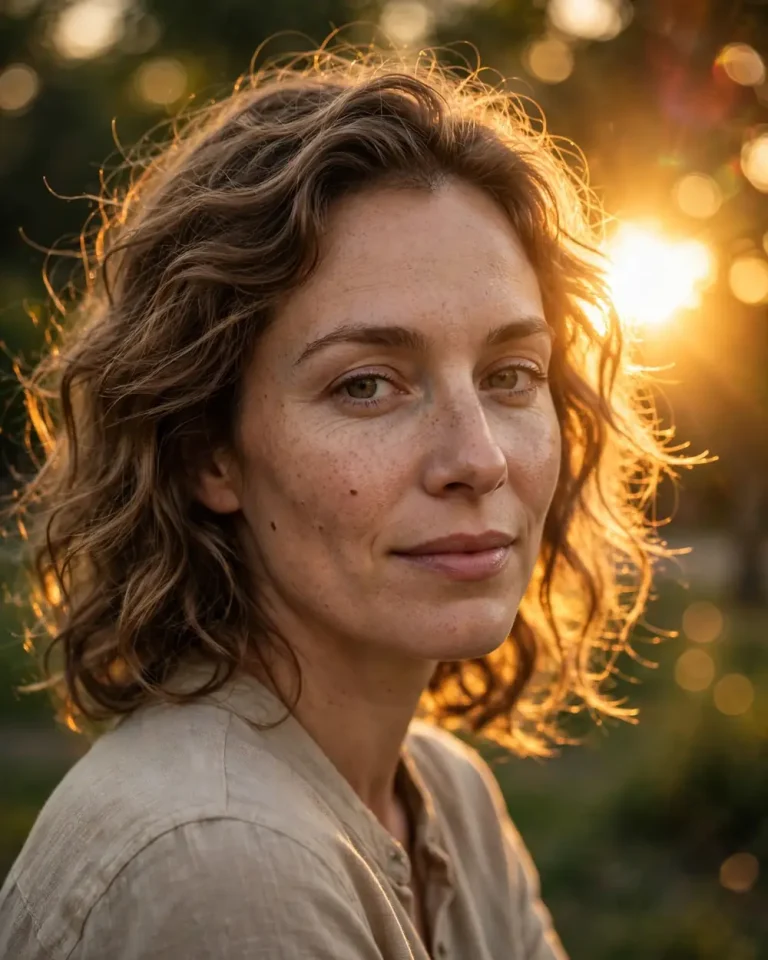
Use the uploaded photo as the identity reference and create a photorealistic golden hour portrait. Keep the person’s face, facial proportions, skin tone, and natural imperfections unchanged. Position the subject outdoors with the low evening sun slightly behind the shoulder, creating a soft golden sun flare and a natural rim light around the hair. Keep the face clearly visible with gentle reflected light and realistic shadows. Use a calm expression and an effortless pose. Shot on an 85mm lens at f/1.8, warm sunset lighting, detailed skin texture, subtle lens flare, creamy background bokeh, cinematic but natural color grading, 4:5 aspect ratio. Do not add heavy filters, plastic skin, facial alterations, text, or watermarks.
3. Golden Hour Portrait in a Wheat Field
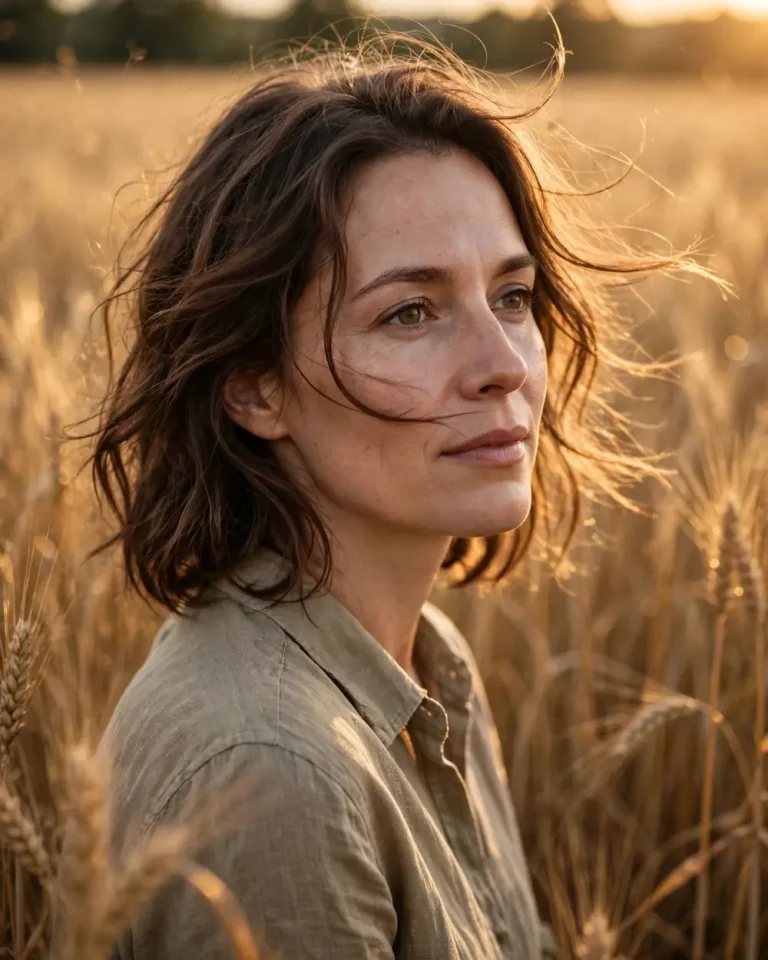
Create a realistic countryside portrait using the uploaded reference image. Preserve the subject’s original identity, facial features, skin tone, and body proportions. Place the person standing in a golden wheat field during sunset, with warm sunlight passing through the wheat and softly illuminating the face. Add a gentle breeze moving a few strands of hair and create a peaceful, thoughtful expression. Keep the background softly blurred while retaining the natural texture of the field. Professional outdoor photography, 85mm lens, f/2, warm 5200K golden-hour light, realistic skin pores, natural shadows, detailed fabric texture, 4:5 aspect ratio. Avoid exaggerated glow, artificial skin smoothing, distorted hands, text, and logos.
4. Windy Golden Hour Portrait
Generate a natural-looking golden hour portrait based on the uploaded reference photo. Maintain the exact facial identity, face shape, skin tone, and natural skin texture. Show the subject standing outdoors as a gentle evening breeze moves their hair naturally. Let warm sunlight illuminate the side of the face while creating a soft golden outline around the hair. Use a candid pose, relaxed shoulders, and a confident but natural expression. Capture individual hair strands, realistic pores, subtle shadows, and soft background blur. Shot on an 85mm portrait lens at f/1.8, warm sunset lighting, realistic photography, 4:5 aspect ratio. No beauty filters, face changes, artificial skin, extra fingers, text, or watermark.
If you prefer soft colors and stylish compositions, explore these aesthetic photo prompts for more creative portrait ideas.
5. Aesthetic Golden Hour Portrait for Women
Create an aesthetic yet photorealistic portrait of the woman in the uploaded reference photo. Preserve her exact identity, facial structure, skin tone, age, and natural features. Place her in a peaceful outdoor location during golden hour, wearing a simple elegant outfit in a soft neutral shade. Use warm sunlight across her face, gentle highlights in her hair, and a softly blurred natural background. Her pose should feel relaxed and graceful, with a subtle expression and natural posture. Capture realistic skin pores, fine hair, fabric texture, and natural light falloff. 85mm lens, f/1.8, warm 5200K light, soft bokeh, editorial portrait photography, 4:5 aspect ratio. Avoid excessive retouching, altered facial features, text, and watermarks.
6. Golden Hour Portrait with Flowers
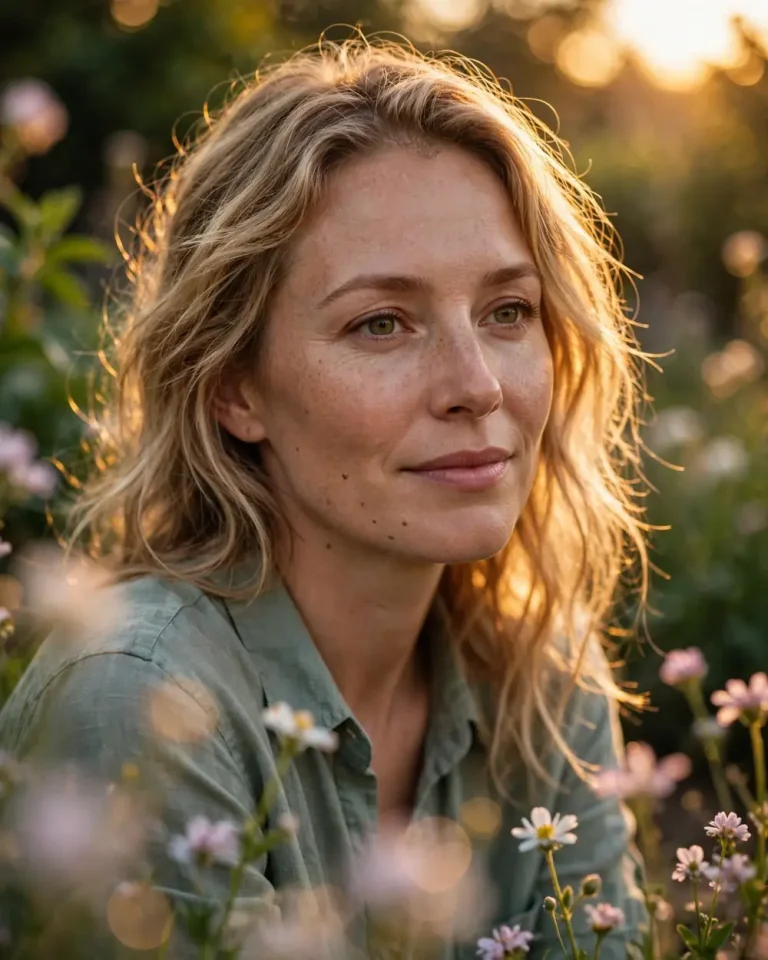
Use the uploaded reference photo to create a realistic portrait surrounded by a few delicate flowers in an outdoor garden. Preserve the person’s original face, identity, skin tone, and natural proportions. Position the subject near flowers softly touched by warm evening sunlight. Add subtle golden highlights on the hair and face, with a gentle natural expression. Keep the flowers in the foreground slightly out of focus to create depth without covering the face. Use realistic skin texture, detailed petals, natural shadows, and soft background bokeh. Professional portrait photography, 85mm lens, f/1.8, golden-hour lighting, 4:5 aspect ratio. Do not add artificial beauty effects, distorted flowers, extra fingers, text, or logos.
7. Golden Hour Beach Portrait for Women
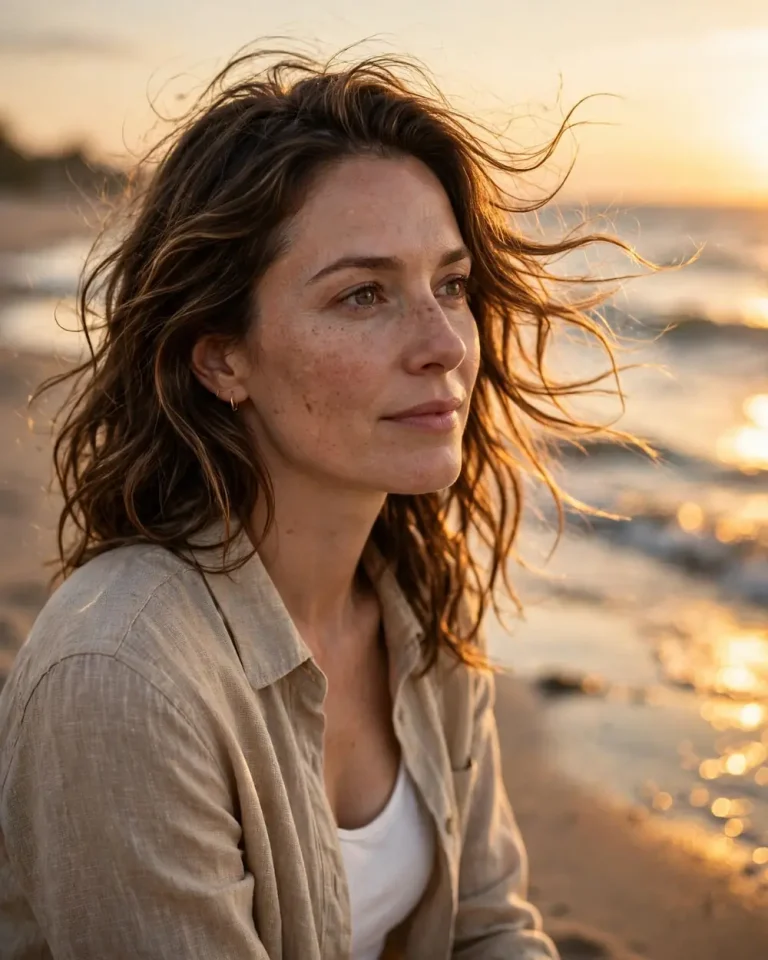
Create a photorealistic beach portrait using the uploaded reference image. Keep the woman’s exact facial identity, skin tone, face shape, and natural features unchanged. Place her near the shoreline during sunset, with warm golden light reflecting softly from the water. Use a natural pose, gentle breeze, and a relaxed expression. Let the ocean and sky form a softly blurred background while keeping the face sharp and detailed. Show realistic skin pores, natural hair movement, subtle water reflections, and accurate fabric texture. Shot on an 85mm lens at f/2, warm sunset light, cinematic natural colors, 4:5 aspect ratio. Avoid face modification, over-smoothing, unrealistic body proportions, text, and watermarks.
8. Close-Up Golden Hour Portrait
Create a close-up, photorealistic portrait from the uploaded reference photo. Preserve the person’s exact identity, facial proportions, skin tone, eye shape, and natural imperfections. Frame the face and shoulders while warm golden-hour sunlight falls gently across the cheeks and eyes. Use soft directional light to create natural dimension without harsh shadows. Keep the eyes sharply focused and the background creamy and unobtrusive. Show fine skin pores, natural eyelashes, individual hair strands, and realistic highlights. 85mm lens, f/1.8, shallow depth of field, warm 5200K light, professional close-up photography, 4:5 aspect ratio. No skin smoothing, eye enlargement, facial changes, text, or watermark.
9. Cinematic Golden Hour Portrait for Men
Generate a cinematic but realistic portrait of the man in the uploaded reference photo. Preserve his exact face, hairstyle, facial hair, skin tone, age, and natural proportions. Place him in an outdoor urban location during golden hour, with warm sunlight coming from the side and creating subtle highlights along his face and shoulders. Give him a confident, relaxed expression and a natural standing pose. Use a softly blurred background with realistic depth and understated cinematic color grading. Capture skin pores, beard details, hair texture, and clothing accurately. 85mm lens, f/1.8, warm sunset light, natural shadows, 4:5 aspect ratio. Avoid changing facial features, exaggerated muscles, artificial skin, text, and logos.
10. Old Money Golden Hour Portrait
Create an elegant old-money-style portrait using the uploaded reference photo. Preserve the person’s original identity, face shape, skin tone, and natural appearance. Dress the subject in a refined, understated outfit with realistic fabric texture and neutral colors. Place them near an elegant outdoor building or garden during golden hour. Use warm directional sunlight, soft shadows, and a composed pose to create a timeless editorial look. Keep the styling realistic rather than overly luxurious. Capture natural skin pores, fine hair details, and subtle background blur. Shot on an 85mm lens at f/2, warm evening light, editorial photography, 4:5 aspect ratio. No face alterations, artificial retouching, text, logos, or watermarks.
11. Golden Hour Street Portrait for Men
Use the uploaded photo as the identity reference and create a realistic street-style portrait. Keep the person’s exact facial features, skin tone, hairstyle, and body proportions. Place him on a city street during late afternoon, with golden sunlight entering between buildings and creating warm highlights on one side of his face. Use a casual outfit, relaxed posture, and natural confident expression. Add a softly blurred urban background with realistic depth, subtle reflections, and natural shadows. 85mm lens, f/1.8, golden-hour lighting, detailed skin texture, editorial street photography, 4:5 aspect ratio. Avoid changing identity, over-sharpening, artificial skin, text, and watermarks.
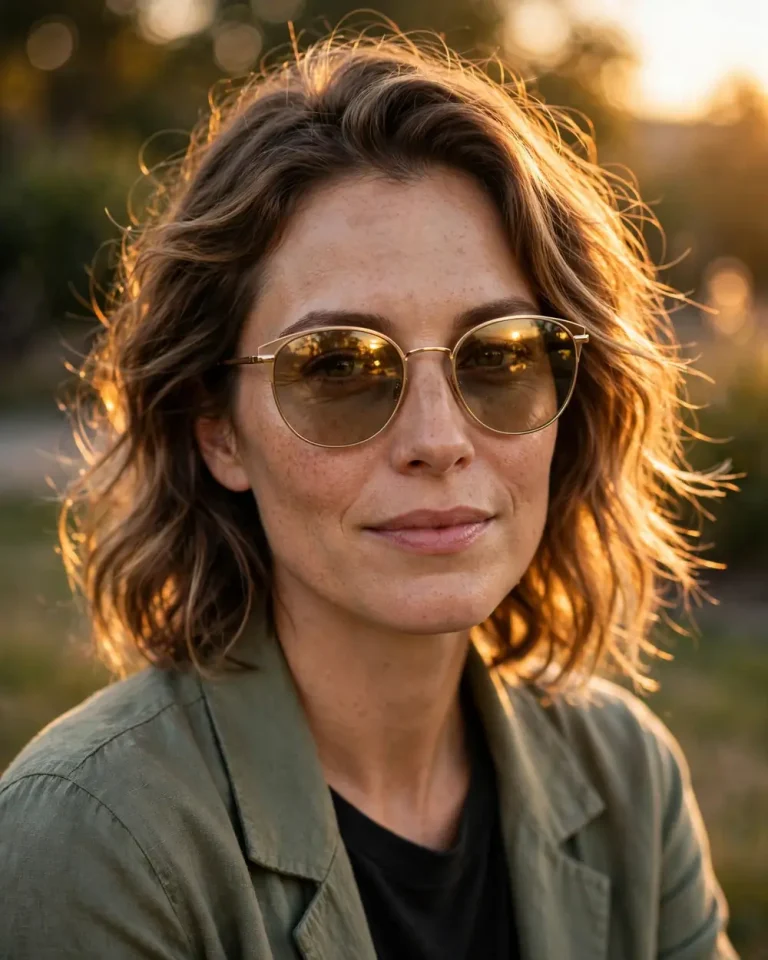
12. Golden Hour Portrait with Sunglasses
Create a realistic golden-hour fashion portrait based on the uploaded reference image. Preserve the person’s exact identity, face shape, skin tone, and natural features. Add stylish sunglasses that fit naturally without hiding too much of the face. Position the subject outdoors as warm evening sunlight creates subtle reflections on the sunglasses and soft highlights along the hair. Use a confident, relaxed pose and a clean, softly blurred background. Capture realistic reflections, natural skin texture, accurate facial proportions, and detailed clothing. 85mm lens, f/2, warm sunset lighting, professional fashion photography, 4:5 aspect ratio. Avoid distorted glasses, changed facial features, plastic skin, text, and logos.
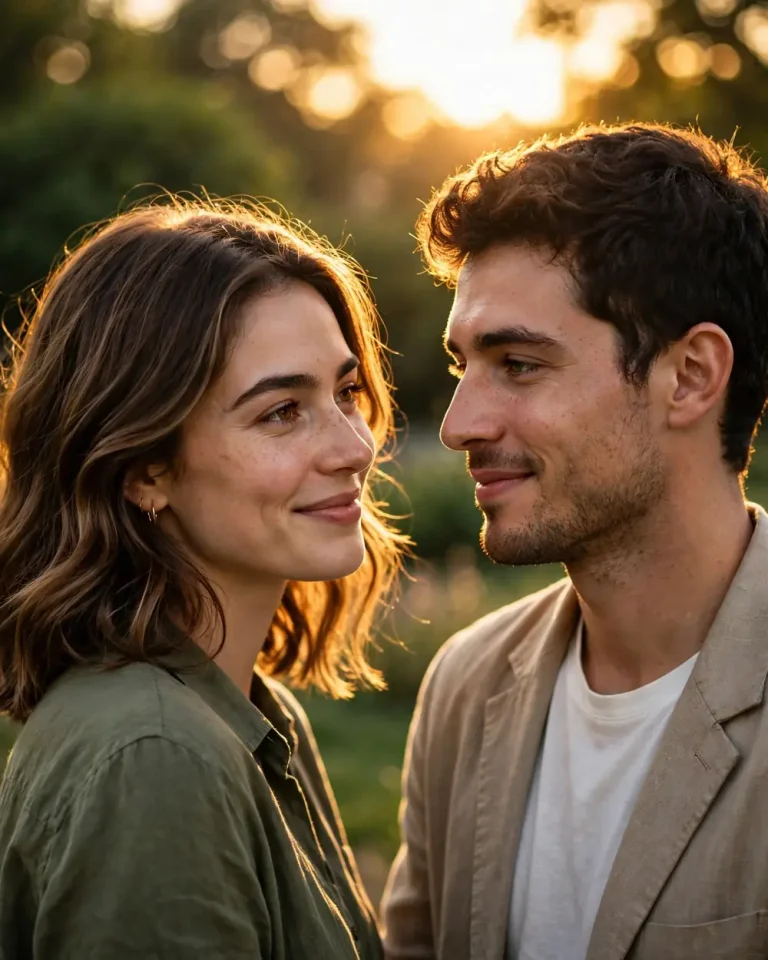
13. Romantic Golden Hour Couple Portrait
Create a romantic, photorealistic couple portrait using the uploaded reference photos of both people. Preserve each person’s exact facial identity, skin tone, age, and natural features. Show the couple standing close together outdoors during golden hour, sharing a gentle smile while looking at each other. Use warm sunlight from behind them to create a soft rim light around their hair, with natural reflected light on their faces. Keep their pose comfortable and genuine. Capture realistic skin texture, natural hands, detailed clothing, and a softly blurred background. 85mm lens, f/1.8, warm 5200K sunset light, 4:5 aspect ratio. Do not merge faces, change identities, or add extra limbs, text, or watermarks.
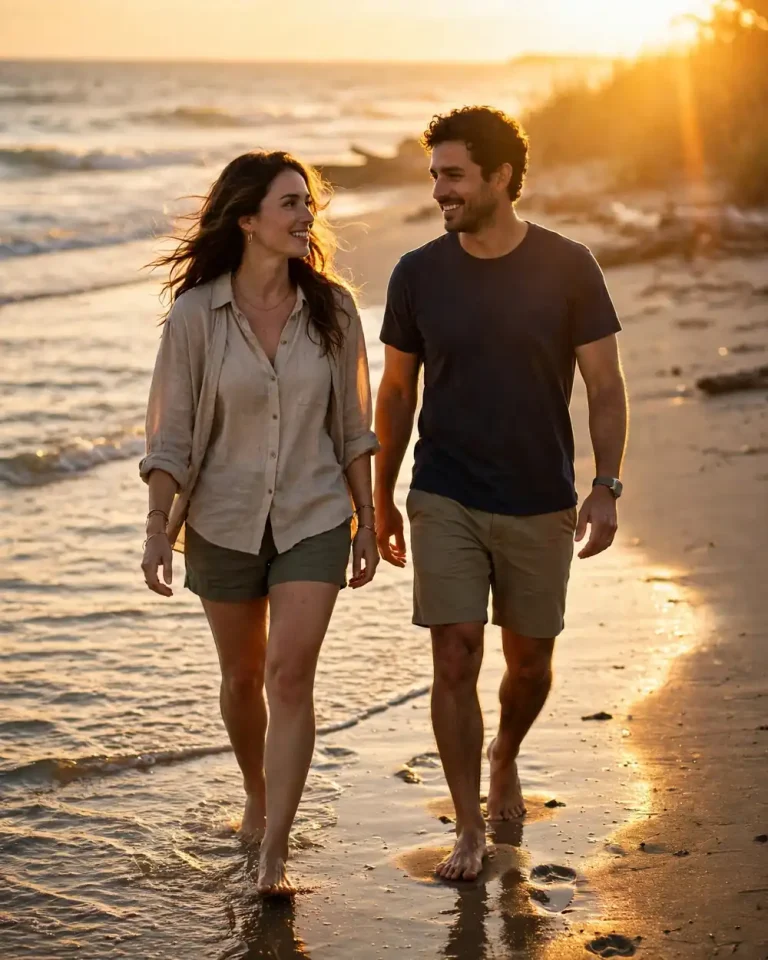
14. Couple Walking on the Beach at Sunset
Use the uploaded reference photos to create a realistic golden-hour beach photograph of the couple walking together near the shoreline. Preserve both people’s original faces, identities, skin tones, and body proportions. Show them walking naturally side by side, with their feet touching the wet sand and gentle waves in the background. Warm sunset light should reflect across the water and create soft highlights around their silhouettes. Use candid body language and natural expressions. Capture realistic reflections, clothing movement, skin texture, and ocean details. Professional lifestyle photography, 50mm lens, f/2.2, golden-hour lighting, 4:5 aspect ratio. Avoid face changes, unnatural hands, duplicated people, text, and watermarks.
You can also try these beach photo prompts for more seaside poses, backgrounds, and photography styles.
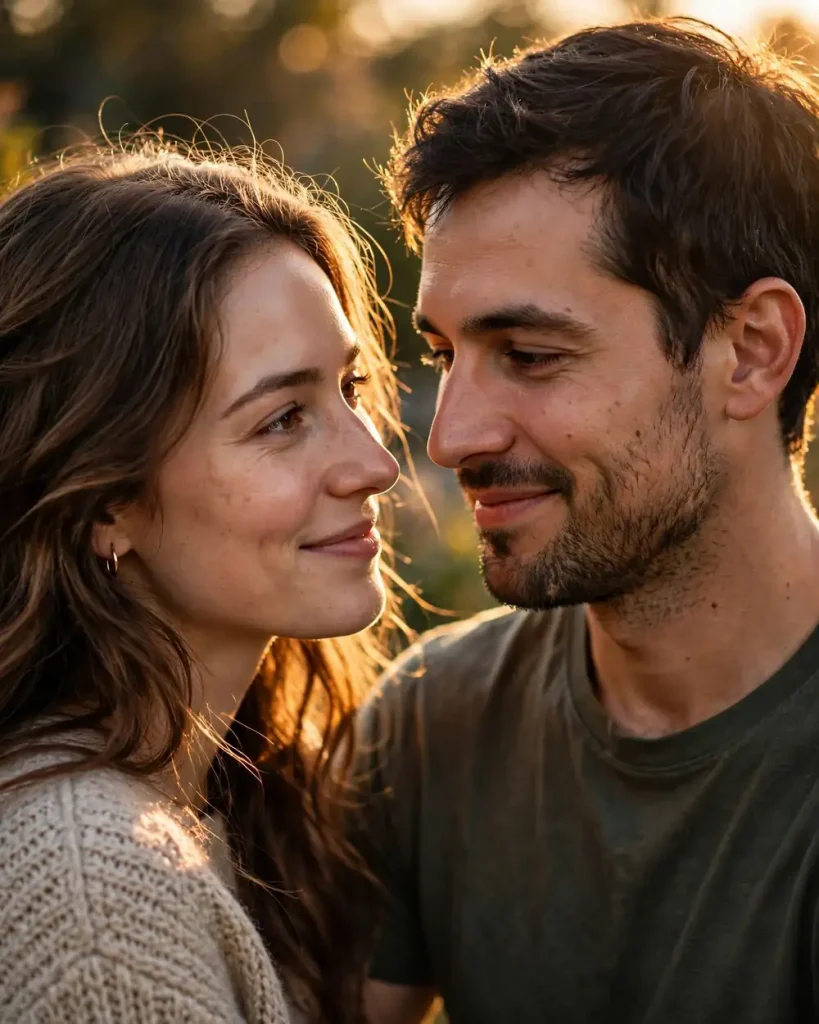
15. Close-Up Golden Hour Couple Portrait
Create an intimate close-up portrait of the two people in the uploaded reference photos. Maintain both identities exactly, including their facial structures, skin tones, and natural details. Frame them from the shoulders up as they stand close together in warm evening light. Use soft sunlight falling across their faces, with a gentle golden rim light and a blurred outdoor background. Their expressions should look natural and affectionate rather than posed. Keep both faces clear and realistic, with detailed eyes, skin pores, hair strands, and natural shadows. 85mm lens, f/1.8, shallow depth of field, warm sunset color grading, 4:5 aspect ratio. No face merging, beauty filters, extra features, text, or logos.
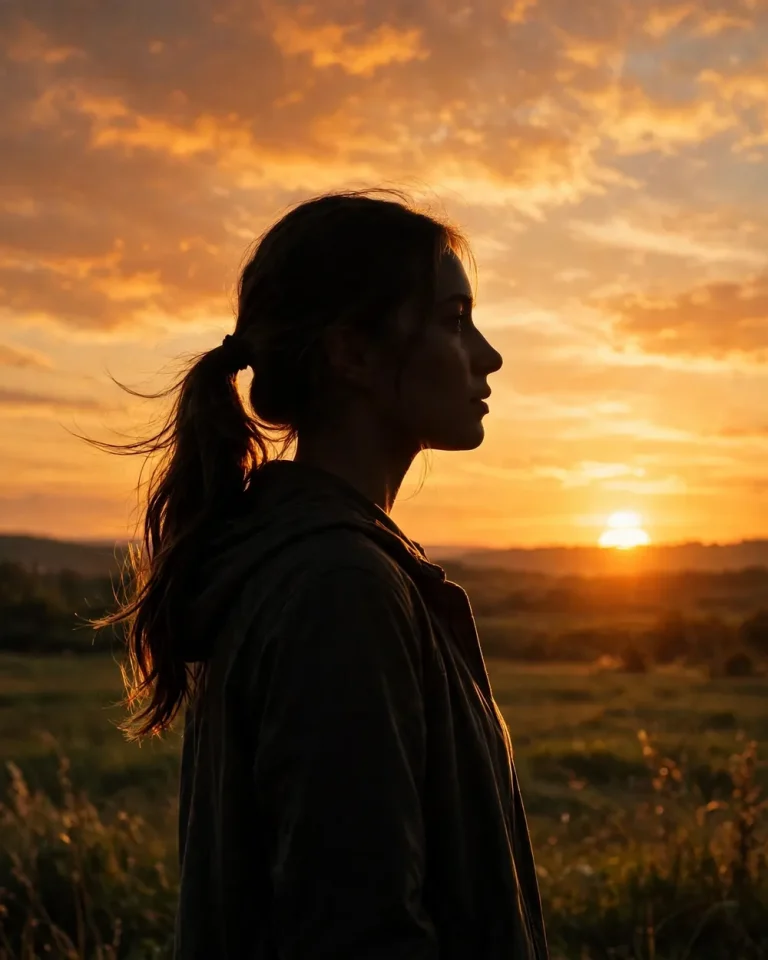
16. Golden Hour Silhouette Portrait
Create a realistic artistic silhouette portrait using the uploaded reference photo as the subject reference. Preserve the person’s recognizable body outline, hairstyle, and natural proportions. Place the subject in front of a beautiful setting sun, with the sky displaying warm orange, amber, and soft golden tones. Use strong backlighting to create a clean silhouette while retaining a subtle golden rim around the subject. Keep the composition simple and atmospheric, with realistic sunset colors and a natural horizon. Professional outdoor photography, 50mm lens, f/2.8, balanced exposure, 4:5 aspect ratio. Avoid distorted outlines, extra limbs, artificial gradients, text, and watermarks.
17. Vintage Film Golden Hour Portrait
Transform the uploaded reference photo into a realistic vintage-inspired golden-hour portrait while preserving the person’s exact identity, facial structure, skin tone, and natural features. Place the subject outdoors in warm late-afternoon sunlight. Add subtle film grain, gentle contrast, slightly faded highlights, and natural warm colors inspired by classic analog photography. Keep skin texture realistic and avoid excessive editing. Use a relaxed candid pose with a softly blurred background. Shot on a 50mm lens at f/1.8, natural sunset light, authentic film texture, realistic shadows, 4:5 aspect ratio. Avoid heavy filters, artificial skin, face changes, text, logos, and watermarks.
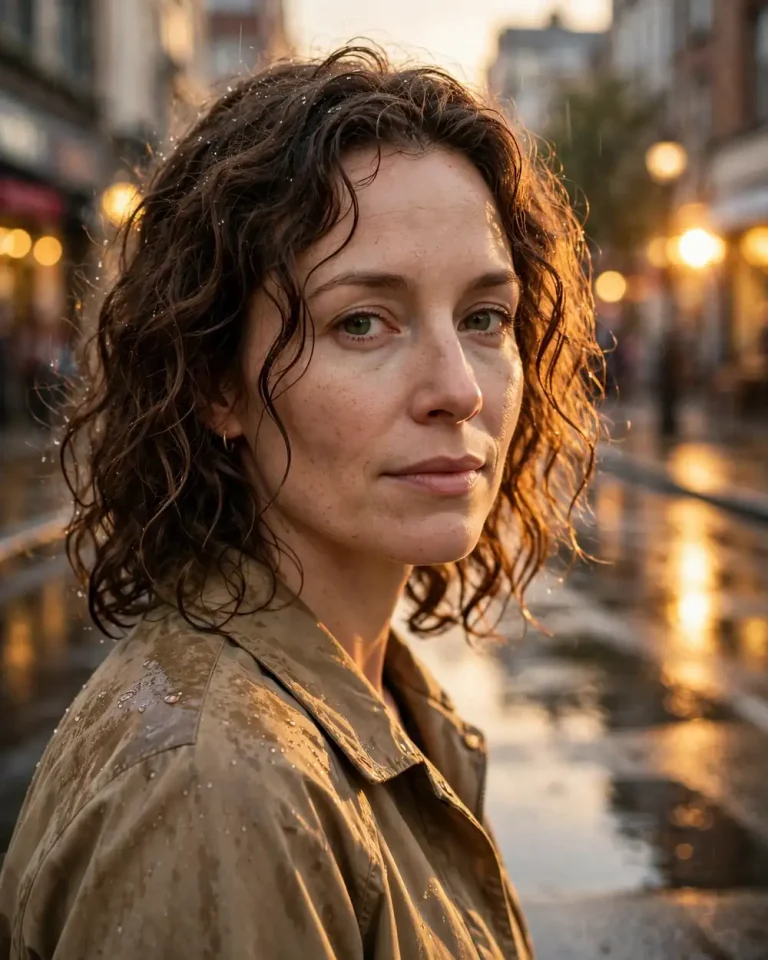
18. Rainy Street Golden Hour Portrait
Create a photorealistic portrait using the uploaded reference photo. Preserve the person’s exact facial identity, skin tone, and natural appearance. Place the subject on a city street just after light rain, during a brief golden-hour sunset. Warm sunlight should reflect on the wet pavement and create soft highlights on the face and hair. Add subtle reflections in the background, realistic raindrops, and a calm expression. Keep the subject sharp while the street lights and background remain softly blurred. 85mm lens, f/1.8, warm directional sunlight, realistic wet surfaces and skin texture, cinematic street photography, 4:5 aspect ratio. Avoid artificial rain effects, face distortion, text, and watermarks.
For more dramatic lighting and movie-inspired compositions, explore these cinematic photo prompts.
19. Professional Golden Hour Headshot
Create a professional yet natural headshot using the uploaded reference photo. Preserve the person’s exact identity, facial structure, skin tone, age, and natural features. Frame the subject from the chest up with a neat, professional outfit and a confident, approachable expression. Use soft golden-hour light from one side, with gentle reflected light to keep the face evenly visible. Choose a simple outdoor background with subtle blur and no distractions. Capture realistic skin pores, natural hair, accurate clothing texture, and clear eyes. 85mm lens, f/2, balanced exposure, professional portrait photography, 4:5 aspect ratio. Avoid excessive retouching, face reshaping, artificial skin, text, and watermarks.
20. Golden Hour Instagram Profile Picture
Create a stylish and realistic profile portrait from the uploaded reference photo. Keep the person’s original facial identity, skin tone, face shape, and natural appearance unchanged. Use a close-up composition with the subject looking directly at the camera and giving a relaxed, friendly expression. Place them outdoors during golden hour, with warm light softly illuminating the face and a clean blurred background. Keep the face centered and clearly visible for a social media profile picture. 85mm lens, f/1.8, natural skin texture, soft golden highlights, realistic color grading, square 1:1 aspect ratio. No beauty filters, face changes, text, logos, or watermarks.
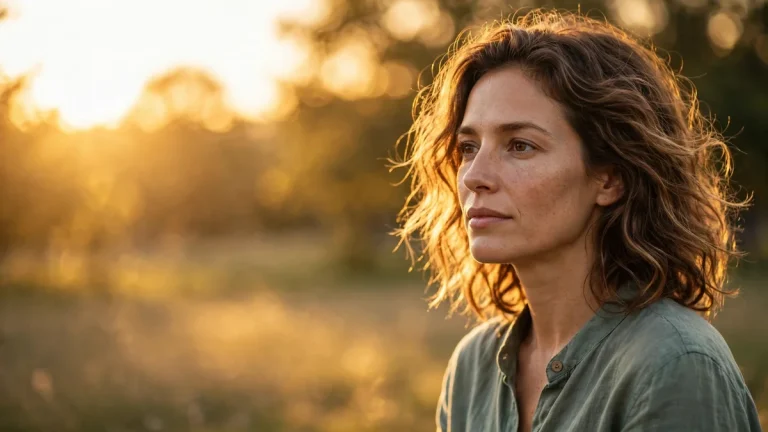
21. Golden Hour Portrait for a Cover or Banner
Create a wide cinematic golden-hour portrait using the uploaded reference photo. Preserve the person’s exact identity, facial features, skin tone, and natural proportions. Position the subject slightly to the right side of the frame, leaving clean negative space on the left for possible cover text to be added later. Use warm sunset light, a softly glowing background, and natural shadows. Keep the subject sharp with realistic skin texture, detailed hair, and accurate clothing. Professional editorial photography, 50mm lens, f/2.2, balanced exposure, wide 16:9 aspect ratio. Do not generate any text, logos, watermarks, extra people, or facial alterations.
22. Full-Body Golden Hour Fashion Portrait
Create a full-body fashion portrait based on the uploaded reference photo. Preserve the person’s exact facial identity, skin tone, height appearance, and natural body proportions. Place the subject in an open outdoor location during golden hour, wearing a stylish outfit with realistic fabric folds and details. Use a natural standing pose with relaxed shoulders and confident body language. Warm sunlight should illuminate the outfit and create soft shadows on the ground. Keep the background gently blurred while showing enough environment to establish the setting. 50mm lens, f/2.8, natural golden-hour lighting, realistic fashion photography, full-body composition, 4:5 aspect ratio. Avoid unrealistic body changes, distorted hands, artificial skin, text, and watermarks.
How to Write a Better Golden Hour Portrait AI Prompt
A good golden hour portrait AI prompt should explain the subject, lighting direction, background, camera style, mood, and image quality. Instead of writing only “make a golden hour portrait,” describe how the light should fall on the face and what kind of photograph you want.
1. Describe the Golden Hour Lighting
Golden hour usually refers to the period shortly after sunrise or before sunset when sunlight appears softer and warmer. Tell the AI where the light should come from and how it should affect the subject.
You can use descriptions such as:
Warm sunlight falling softly across the face.
Golden rim light around the hair and shoulders.
Side lighting with gentle natural shadows.
Backlighting with a subtle sunset glow.
Soft reflected light keeping the eyes and face visible.
2. Choose the Right Camera and Lens Details
Camera details can help guide the image style, although they do not guarantee that the AI will reproduce exact camera settings.
Photography style
Suggested camera details
Close-up portrait
85mm lens, f/1.8
Environmental portrait
50mm lens, f/2.2
Full-body portrait
50mm lens, f/2.8
Soft background blur
Shallow depth of field
Natural outdoor look
Balanced exposure and realistic shadows
3. Keep Skin Texture Realistic
If you are using your own photo, ask the image generator to preserve natural skin details. This can help reduce the overly smooth appearance that sometimes appears in AI-generated portraits.
Include instructions such as:
Preserve natural skin pores and fine lines.
Keep realistic facial texture and natural asymmetry.
Do not reshape the nose, eyes, lips, or jawline.
Avoid beauty filters and artificial skin smoothing.
Keep the original age, skin tone, and facial identity.
4. Select a Background That Matches the Portrait
The background should support the subject instead of distracting from the face. You can choose a garden, beach, city street, wheat field, rooftop, or open countryside.
For a professional portrait, use a simple background with soft blur. For a romantic or cinematic image, a sunset beach or open landscape can create a stronger atmosphere.
5. Choose the Correct Aspect Ratio
Mention the image ratio in your prompt so the AI understands the intended composition.
Image purpose
Recommended ratio
Instagram portrait
4:5
Instagram profile picture
1:1
Instagram Story or Reel
9:16
Website cover or banner
16:9
Full-body portrait
4:5 or 9:16
How to Use Golden Hour Portrait Prompts in Gemini, ChatGPT, and Nano Banana
You can use the prompts with different AI image generators. The basic process is similar, although available image features may vary by platform and account.
Using Gemini
Open Gemini and select its image-generation feature.
Upload your reference photo if you want to preserve your appearance.
Copy one of the golden hour portrait prompts from this article.
Paste the prompt into the chat and submit it.
Review the generated image and request changes if needed.
Using ChatGPT
Open ChatGPT and choose its image-generation capability.
Upload the photo you want to use as a reference.
Paste your selected prompt.
Mention any changes you want, such as a different outfit, pose, or background.
Generate the image and refine it with follow-up instructions.
Using Nano Banana
Open a Nano Banana-supported image-generation interface.
Upload your reference image.
Copy and paste your chosen prompt.
Check that the prompt clearly describes the lighting, pose, and background.
Generate the result and adjust the prompt if necessary.
Common Problems with AI Golden Hour Portraits
Sometimes an image generator may not follow every detail in your prompt. You can improve the result by giving more specific instructions.
Common problem
What to add to your prompt
Face looks different
Preserve the exact facial identity and facial proportions
Skin looks plastic
Keep natural pores, fine lines, and realistic skin texture
Sunlight is too strong
Use soft, balanced golden-hour lighting
Face is too dark
Add gentle reflected light to illuminate the face
Background looks artificial
Use a realistic outdoor setting and natural depth of field
Hands look distorted
Keep hands anatomically correct and naturally positioned
Image looks overly edited
Use natural color grading and avoid beauty filters
Frequently Asked Questions
What is a golden hour portrait AI prompt?
A golden hour portrait AI prompt is a written instruction used to generate a portrait with warm, soft sunlight similar to the lighting shortly after sunrise or before sunset. It can describe the subject, pose, background, lighting direction, camera style, and image ratio.
Which AI tool is best for golden hour portraits?
Gemini, ChatGPT, and Nano Banana are popular options for creating AI portraits. The results depend on the image model, reference photo, and prompt details. Try the same prompt in different tools to compare their results.
How do I create a realistic golden hour portrait with my own photo?
Upload your reference photo and clearly instruct the AI to preserve your original facial identity, skin tone, face shape, and natural features. Then describe the golden-hour lighting, background, pose, and photography style you want.
How can I make golden hour portraits look less artificial?
Ask the AI to preserve natural skin pores, fine lines, realistic shadows, and subtle facial asymmetry. Avoid excessive glow, strong beauty filters, and unrealistic skin smoothing. A simple background and balanced lighting can also help.
What is the best aspect ratio for golden hour portraits?
A 4:5 aspect ratio works well for most portrait posts. Use 1:1 for square profile pictures, 9:16 for Stories and Reels, and 16:9 for website covers or wide banners.
Can I use golden hour prompts for both men and women?
Yes. You can use the same lighting instructions for portraits of men and women. Change the outfit, pose, background, and styling details to match the subject and the type of photograph you want.
Can I create golden hour couple portraits with AI?
Yes. Upload reference photos of both people and ask the AI to preserve each person’s identity separately. Describe their pose, expressions, distance from each other, and the sunset lighting you want.
Conclusion
The right golden hour portrait AI prompt can help you create warm, realistic portraits with beautiful sunset lighting. You can experiment with outdoor photography, beach scenes, cinematic portraits, couple pictures, and professional headshots using Gemini, ChatGPT, or Nano Banana.
For the most natural results, describe the lighting direction, background, pose, and camera style clearly. If you are using a reference photo, always include instructions to preserve the person’s original facial identity and natural skin texture. Try different prompts and adjust the details until you get the portrait style you want.