Single Prompt
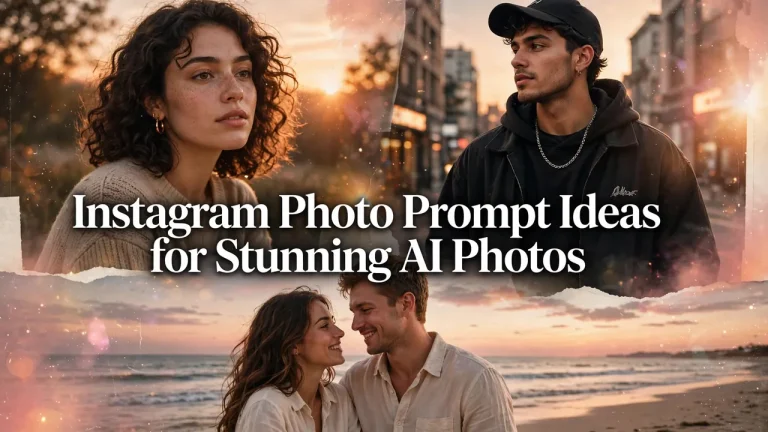
Instagram Photo Prompt Ideas for Stunning AI Photos
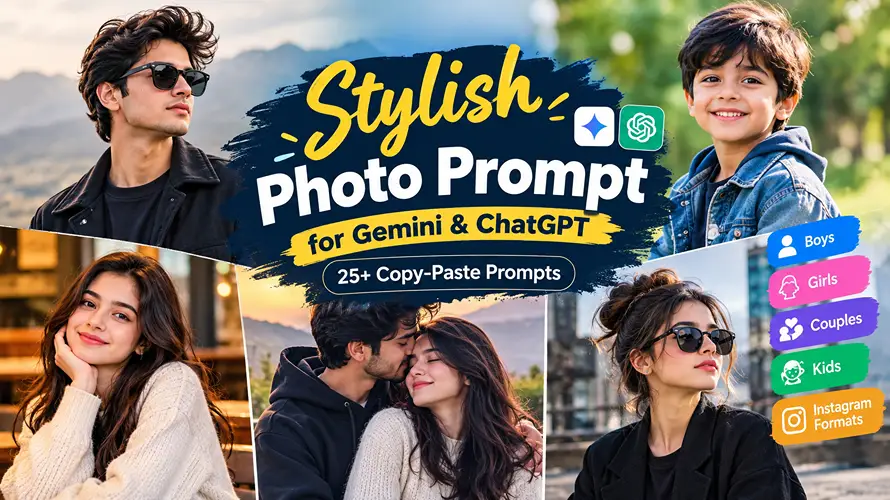
An instagram photo prompt helps you transform an ordinary portrait into a cinematic, aesthetic, stylish, or professional-looking image using AI tools such as ChatGPT and Gemini. With the right description, you can create Instagram-ready photos featuring realistic lighting, fashionable outfits, beautiful backgrounds, and natural poses without needing an elaborate photoshoot.
The key is to describe the complete scene rather than simply asking an AI tool to make your picture look good. Details such as camera angle, lighting direction, clothing texture, facial identity, background, and image composition can make a noticeable difference in the result.
Below, you’ll find 15 ready-to-copy AI photo prompts covering popular Instagram styles, from cinematic portraits and couple pictures to Diwali celebrations, mirror selfies, and monsoon photography. You can use them with your own photos or adapt them to create original images for your Instagram profile, reels covers, stories, and posts.
What Is an Instagram Photo Prompt?
An instagram photo prompt is a detailed text instruction you give to an AI image tool to generate or edit a photograph for Instagram. Instead of relying on filters or manual editing, you describe the subject, setting, lighting, clothing, and camera style, and the AI produces a polished image based on your description.
These prompts work with tools like ChatGPT’s image features and Google Gemini. You can start from a text description alone to create an entirely new image, or upload your own photo and ask the AI to restyle it while keeping your face and identity recognizable.
The difference between an average result and a stunning one usually comes down to specificity. Prompts that mention light direction, lens type, fabric texture, and background details consistently produce more realistic and visually appealing photos than short, vague requests.
For example, instead of writing “make my photo aesthetic,” an effective image-to-prompt approach describes the full scene: “soft morning light from a window on the right, pastel tones, relaxed pose, 85mm portrait lens, natural skin texture.” The more visual information you provide, the closer the output matches what you imagined.
How to Use a Prompt in ChatGPT
- Open ChatGPT and start a new conversation with image generation or editing enabled.
- Upload your photo if you want the AI to preserve your identity, or skip this step to generate a new image from text alone.
- Copy one of the prompts from this guide and paste it into the chat, adjusting any details to match your preferences.
- Review the generated image carefully. If something looks off, describe the specific fix in a follow-up message rather than starting over.
How to Use a Prompt in Gemini
- Open the Gemini app or website and sign in with your Google account.
- Tap the image upload button and select a clear, well-lit photo of yourself for the best identity match.
- Paste your chosen instagram photo prompt into the message field and send it.
- Wait for Gemini to process the image, then check the result for facial accuracy, natural hands, and realistic lighting before saving or sharing it.
How to Turn an Existing Image Into a Prompt
- Upload your photo to an image-to-prompt generator tool or a multimodal AI assistant.
- Ask the tool to describe the image in detail, including composition, lighting, colors, clothing, and background elements.
- Copy the generated description and review it for accuracy, removing anything that doesn’t match your vision.
- Add your own creative direction, such as a different setting, outfit, or mood, to personalize the prompt.
- Use the refined prompt with your own reference photo in ChatGPT or Gemini to create a new variation.
For instance, you might upload a favorite portrait and receive a description like “subject standing on a beach at sunset, warm backlighting, casual denim outfit, candid smile.” You can then adapt this into a full prompt by adding camera details, identity-preservation instructions, and an Instagram-friendly vertical composition.
15 Instagram Photo Prompt Ideas You Can Copy and Paste
Below are 15 copy-paste instagram photo prompts covering the most popular styles on the platform right now. Each one is written as a complete instruction that preserves your identity, describes realistic lighting and camera settings, and specifies what to avoid. Just copy the prompt, upload your photo to ChatGPT or Gemini, and paste it in.
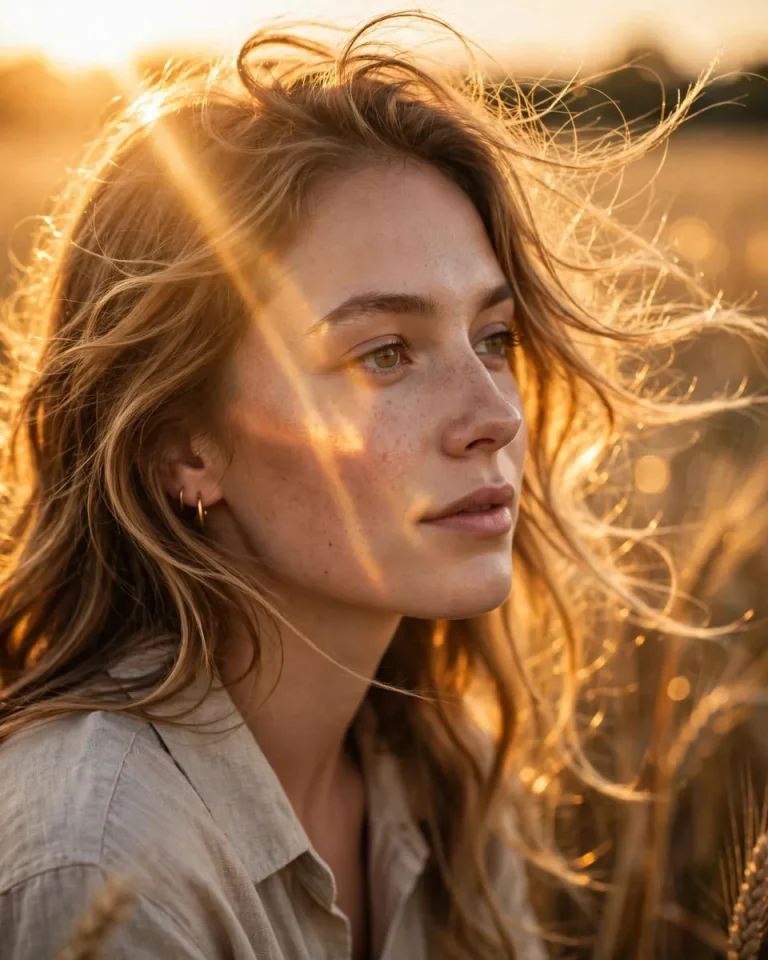
1. Cinematic Portrait With Golden-Hour Lighting
A cinematic portrait works well for a personal Instagram feed when you want a dramatic, film-inspired appearance without making the photo look artificial. Warm highlights, controlled shadows, and a softly blurred background create depth while keeping attention on the face.
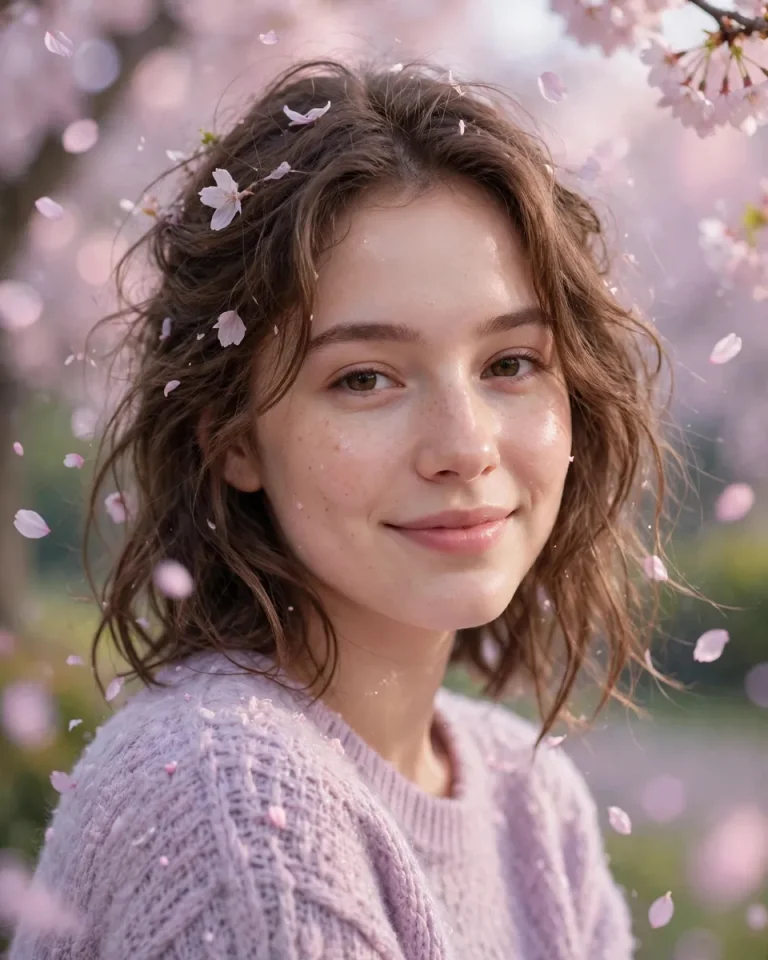
2. Aesthetic Girl Photo With Soft Pastel Tones
This aesthetic girl photo style combines gentle colors, natural light, and understated fashion for a polished yet relaxed Instagram post. It works especially well for lifestyle feeds, profile pictures, and soft editorial portraits.
3. Stylish Boy Photo With Modern Streetwear
Use this look for a confident, contemporary portrait with a clean streetwear aesthetic. The combination of structured clothing, a textured city background, and directional light creates a strong profile picture or fashion post.

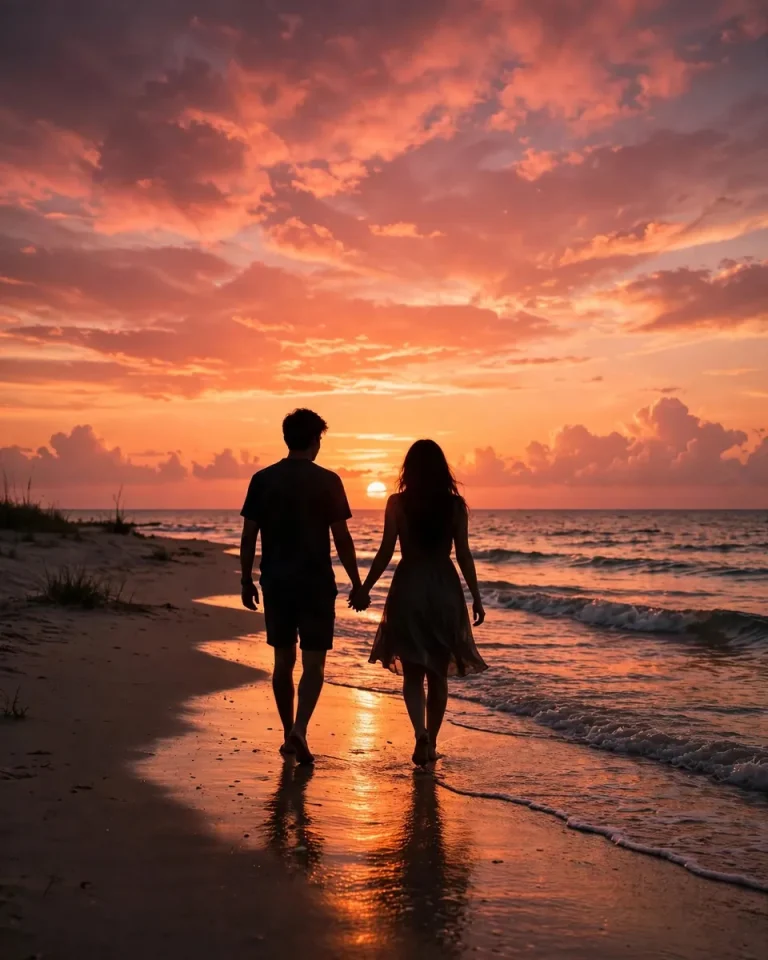
4. Romantic Couple Photo With Sunset Glow
A couple photo prompt can turn an ordinary picture into a romantic portrait with warm light and natural body language. Use a photograph containing both people when you want the AI to retain their individual appearances.
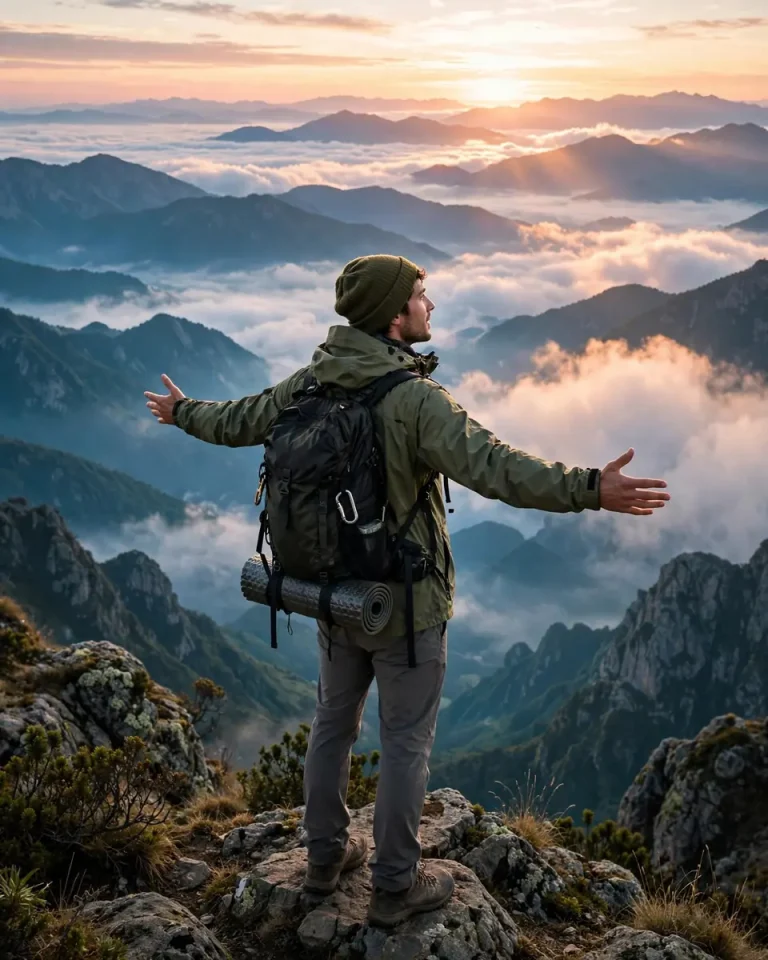
5. Travel Photo With a Dreamy Destination Look
Travel portraits combine a recognizable subject with a destination that adds context to the image. This concept works for mountain trips, scenic viewpoints, hill stations, and vacation photo dumps.
6. Gym and Fitness Photo With Athletic Lighting
A fitness portrait should communicate energy and confidence without making the body look unnaturally altered. This prompt emphasizes realistic muscle definition, gym equipment, and balanced lighting.

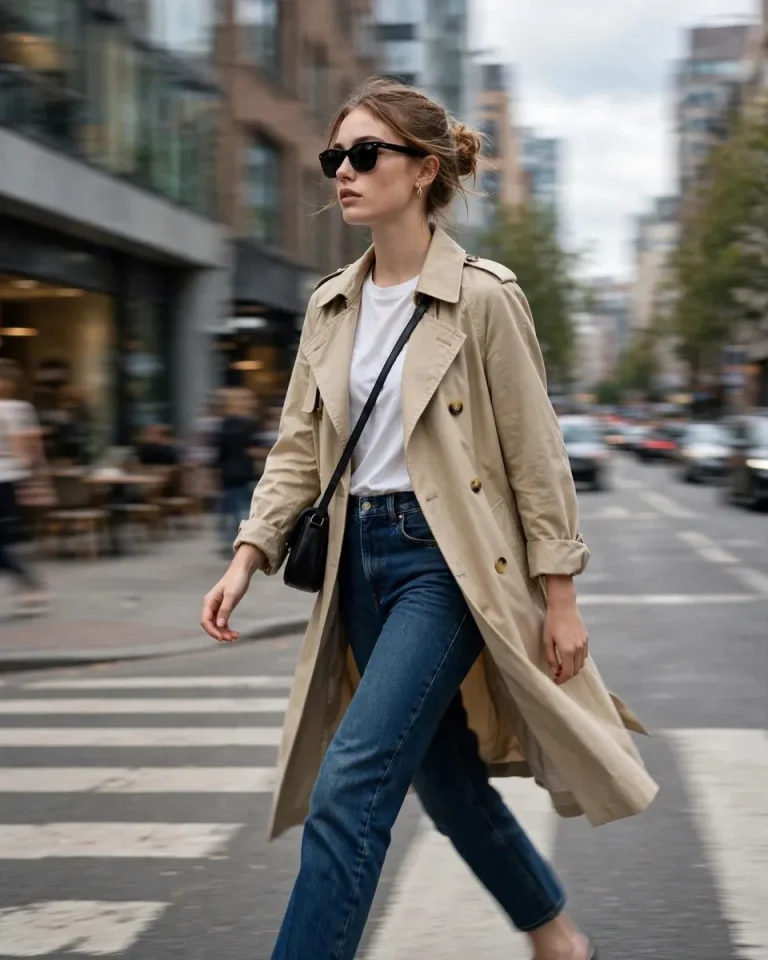
7. Urban Street-Style Fashion Photography
Street-style photos are ideal for outfit posts and modern fashion feeds. The goal is to make the clothing stand out while keeping the pose relaxed and the city environment believable.
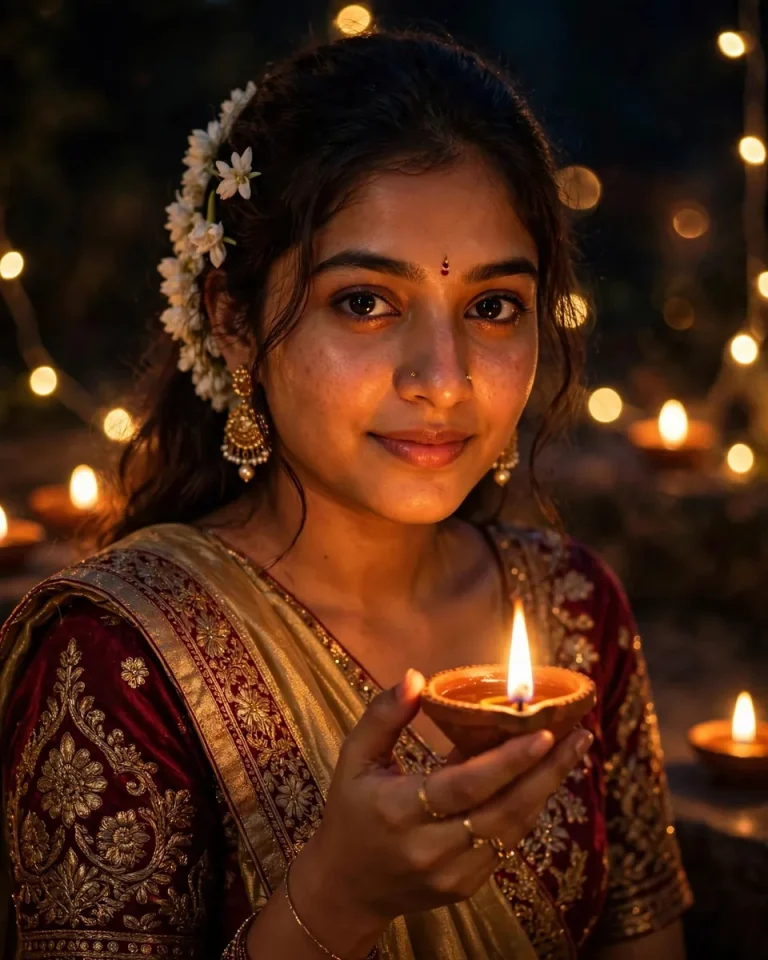
8. Diwali Festival Photo With Warm Diyas
This festive concept combines traditional clothing, glowing diyas, and warm decorative lights for an Instagram post during Diwali. It suits individual portraits, family celebrations, and festive outfit photography. For more seasonal styles, explore these Diwali AI photo prompt ideas.
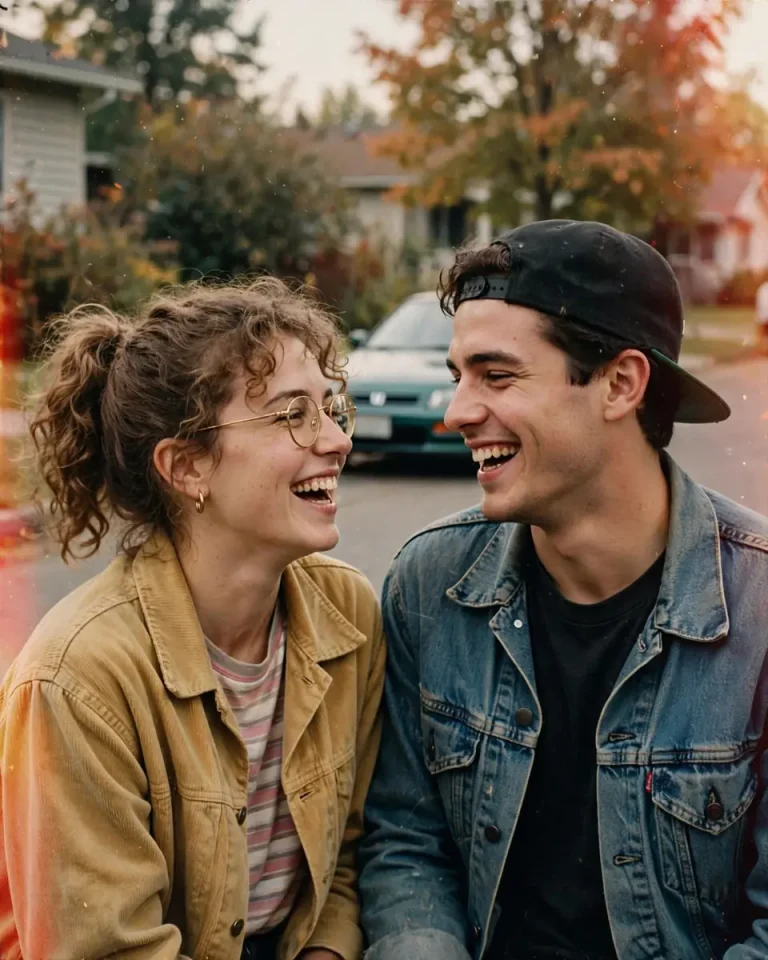
9. Retro and Vintage Film Photo
Vintage photography adds character through muted colors, gentle grain, and imperfect film-like tones. It is a useful choice for nostalgic portraits, cafe photos, and carousel posts with a consistent retro aesthetic.
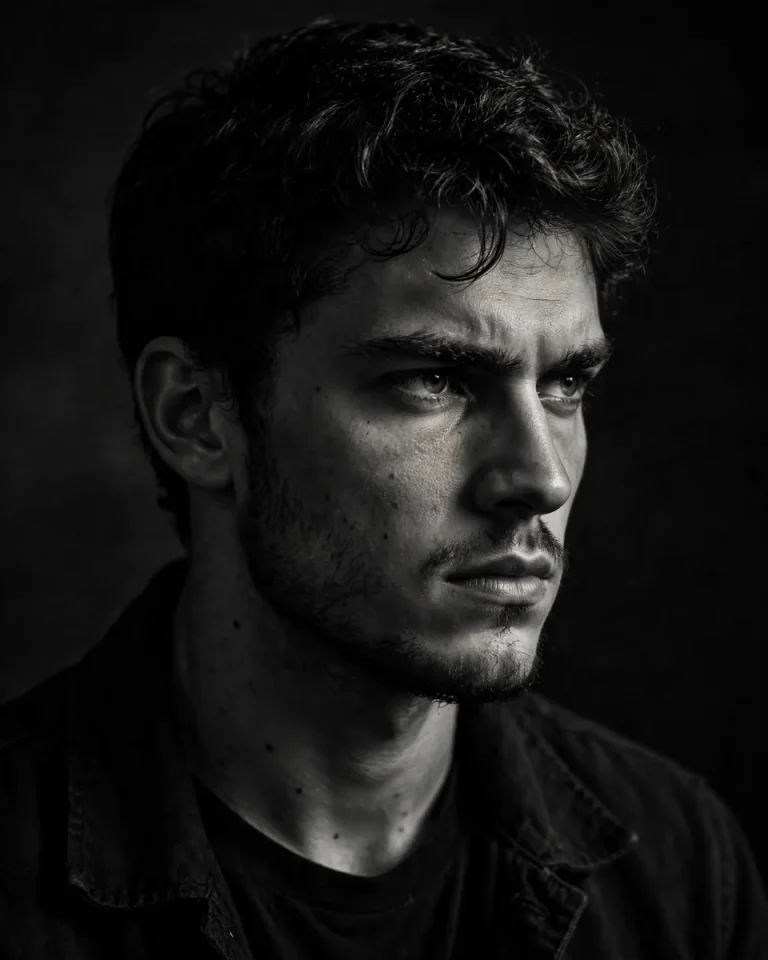
10. Black-and-White Moody Portrait
A monochrome portrait removes distracting colors and emphasizes expression, contrast, and facial detail. Choose this look for a thoughtful profile picture or a dramatic editorial-style post.
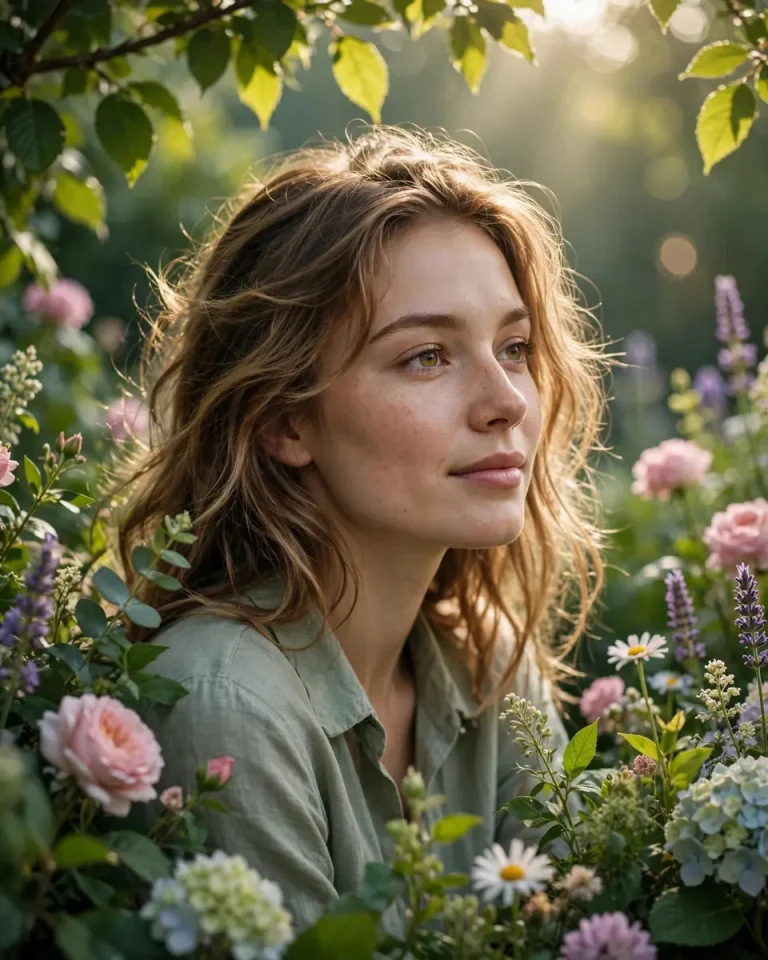
11. Nature Photo With a Peaceful Outdoor Mood
Outdoor portraits feel natural when the environment contributes to the composition instead of overpowering the subject. Green foliage, diffused sunlight, and a candid pose create a calm image suited to lifestyle and travel feeds.
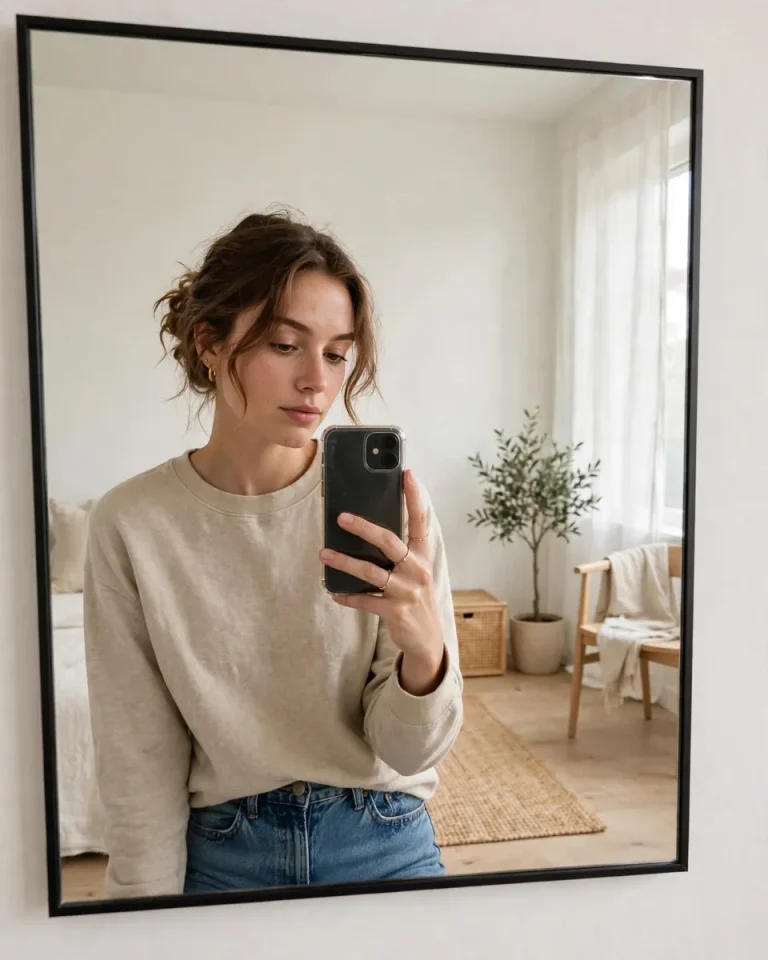
12. Clean Mirror Selfie With a Minimalist Aesthetic
Mirror selfies are useful for showcasing outfits and everyday personal style. A clean room, realistic reflections, and natural light help the image feel intentional without losing the casual character of a selfie.
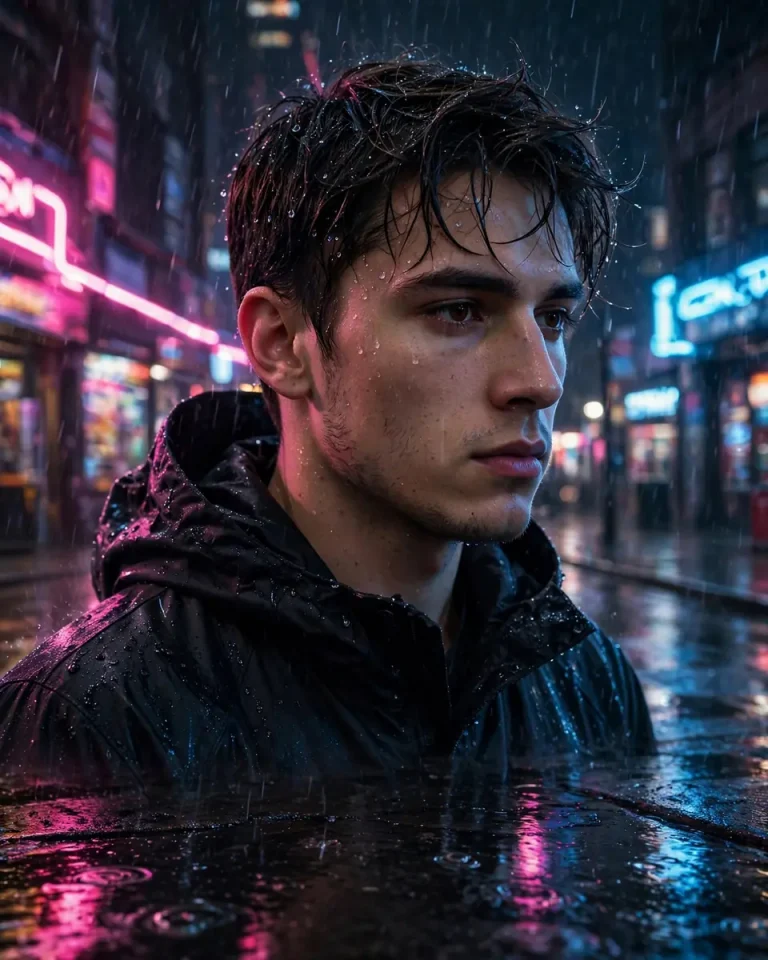
13. Neon Night Portrait With City Reflections
Neon photography creates a modern nightlife aesthetic through colored reflections and controlled shadows. It works for urban portraits, night-out pictures, and dramatic Instagram profile images.
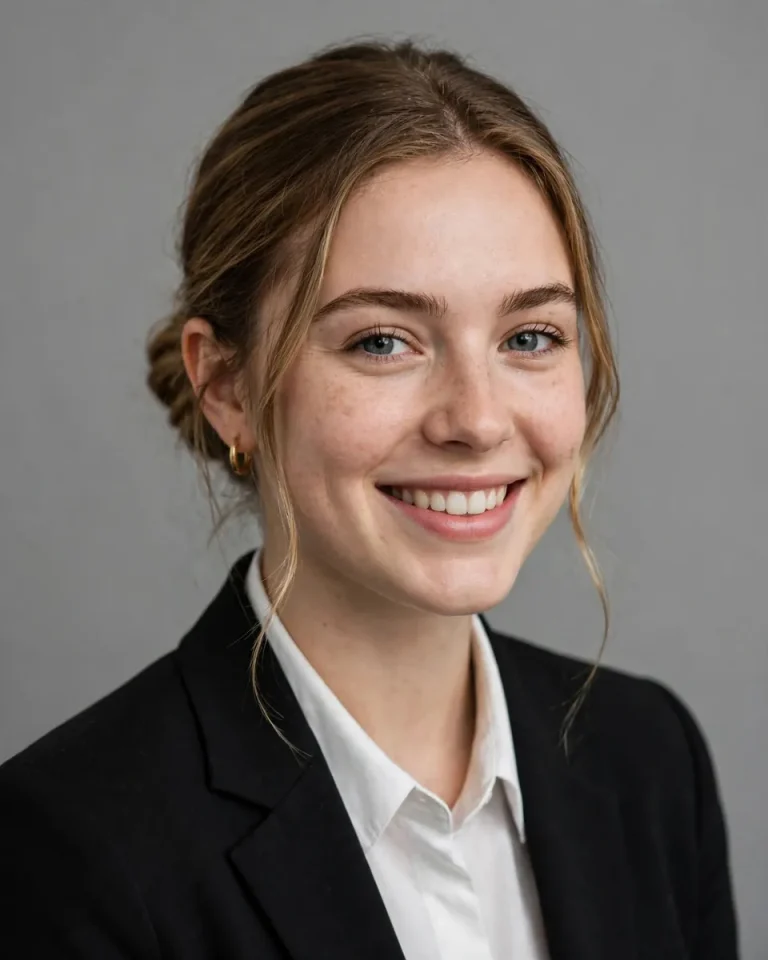
14. Professional Headshot for a Personal Brand
A professional headshot should look polished while remaining recognizable and believable. This style is suitable for creator profiles, portfolio pages, business accounts, and career-focused social media. If you prefer a more dramatic look, try these cinematic photo editing prompts.
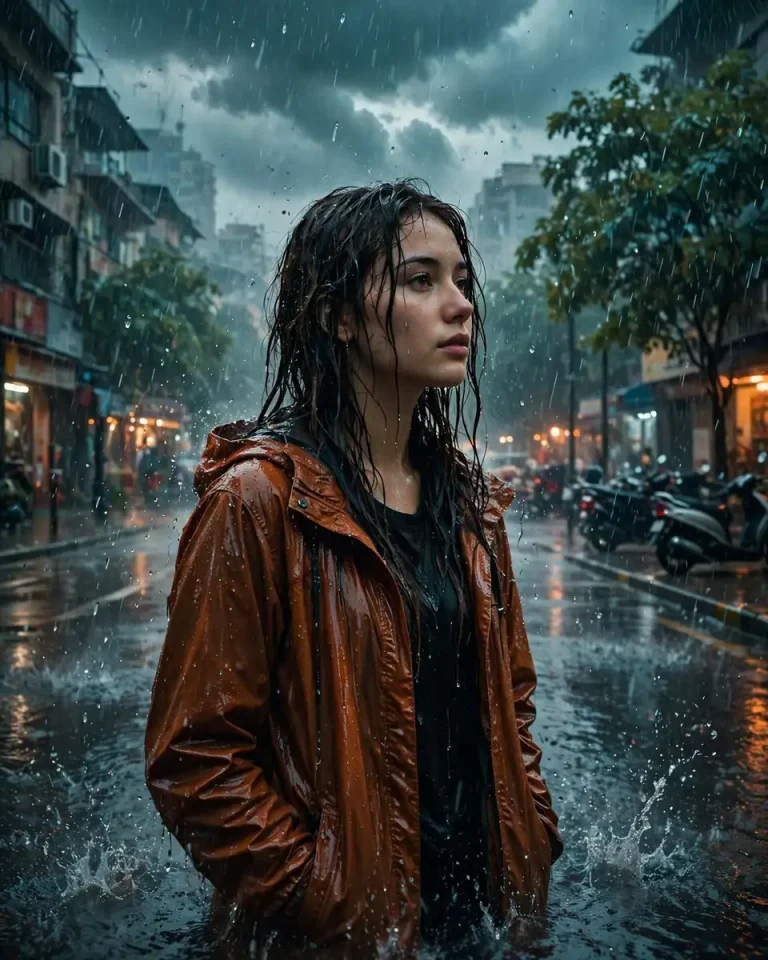
15. Monsoon Rain Photo With a Cinematic Atmosphere
Rainy photography adds atmosphere through wet streets, umbrella reflections, and soft city lights. This look is particularly suitable for monsoon-season posts and moody portrait edits.
Comparing Instagram Photo Prompt Styles
Different prompt styles suit different goals. The table below compares four popular approaches so you can pick the one that matches your feed, whether you want dramatic portraits, soft lifestyle shots, professional headshots, or nostalgic edits.
| Style | Best For | Mood | Example Use Case |
|---|---|---|---|
| Cinematic | Portraits and dramatic edits | Moody, film-like | Golden-hour profile picture |
| Aesthetic | Lifestyle and fashion posts | Soft, clean, coordinated | Pastel outfit carousel |
| Realistic | Professional and everyday photos | Natural, authentic | Business headshot or travel portrait |
| Vintage | Nostalgic portraits and memories | Warm, textured, timeless | Retro cafe photo |
If you’re unsure where to start, the realistic style is the safest choice. It works for everyday posts, profile pictures, and professional use because it keeps the image believable while improving lighting, sharpness, and composition.
For a more curated feed, try sticking to one or two styles. A consistent aesthetic — for example, warm cinematic tones or soft pastel edits — makes your profile look intentional and helps individual posts stand out in a cohesive grid.
How to Get the Best Results From an Instagram Photo Prompt
Getting great results from an instagram photo prompt is less about the tool and more about how you communicate with it. These nine tips will help you write better prompts, avoid common mistakes, and keep your photos looking natural.
1. Start With a Clear Reference Photo
The quality of your reference photo has a direct impact on the final result. Choose a well-lit image where your face is clearly visible, without heavy filters, sunglasses, or extreme angles. The AI needs accurate facial information to preserve your identity.
Avoid blurry, low-resolution, or heavily edited source photos. If the input is unclear, the AI will guess at missing details, which often leads to a result that doesn’t quite look like you.
2. Describe the Lighting Instead of Saying “HD”
Words like “HD,” “4K,” or “high quality” don’t actually tell the AI how to light the scene. Instead, describe the light source, its direction, and its color. Specific lighting instructions produce far more realistic results than generic quality keywords.
- Mention the direction: “soft window light from camera-left” or “warm backlighting at sunset.”
- Describe the color temperature: “golden warm tones” or “cool blue ambient light.”
- Specify shadows: “gentle shadows under the chin” or “soft, diffused shadows.”
- Add practical details: “natural catchlights in the eyes” or “subtle rim light on the hair.”
3. Specify Clothing, Materials, and Pose
Vague clothing descriptions like “nice outfit” leave too much to the AI’s imagination. Name the actual garments, their colors, and their materials — for example, “oversized beige blazer, fitted black top, straight-leg denim” reads much better than “stylish clothes.”
Pose matters just as much. Describe body language in plain terms: “walking naturally with one hand in a pocket” or “relaxed three-quarter pose looking toward the camera.” Clear pose instructions prevent stiff or anatomically awkward results.
If you want to experiment with different outfits without changing anything else, try these dress change editing prompts to swap clothing while keeping your face and pose intact.
4. Choose the Right Aspect Ratio
Instagram favors vertical images, and your prompt should specify the composition explicitly. Mentioning the aspect ratio and framing helps the AI compose the shot correctly instead of cropping awkwardly.
- 4:5 vertical: the best choice for feed posts and profile pictures.
- 1:1 square: works well for classic grid posts and thumbnails.
- 9:16 vertical: ideal for stories and reels covers.
- 3:4 or 2:3: good alternatives when you want a slightly taller portrait look.
5. Use a Photo Prompt Generator When You Need Structure
If writing a full prompt from scratch feels overwhelming, a photo prompt generator can give you a solid starting structure. These tools provide templates with placeholders for subject, lighting, style, and camera settings.
Start with a generated template, then customize the details to match your photo and vision. Replace generic phrases with specific descriptions of your outfit, location, and preferred mood.
Over time, you’ll develop a sense of which details matter most. Save the prompts that work well for you so you can reuse and adapt them for future posts.
You can explore more templates and ideas in EditsPrompts’ AI photo editing resources, which cover a wide range of styles and use cases.
6. Use an Image to Prompt Generator for Visual References
When you see a photo style you love but can’t describe it, an image to prompt generator can do the describing for you. Upload the reference image, get a textual breakdown, and adapt it for your own photos.
- Save or screenshot the reference photo whose style you want to recreate.
- Upload it to an image-to-prompt generator or a multimodal AI tool.
- Request a detailed description covering lighting, composition, colors, and mood.
- Copy the description and adjust it to feature your own appearance and preferences.
- Paste the adapted prompt into ChatGPT or Gemini along with your reference photo.
This technique is especially useful for matching trending aesthetics. Instead of guessing how a popular edit was achieved, you get a concrete description you can refine and reuse.
7. Fix Problems With Small Follow-Up Instructions
Your first result won’t always be perfect. Rather than regenerating from scratch, give the AI a short, specific correction. Small follow-up instructions are faster and preserve the parts of the image you already like.
| Problem | Fix |
|---|---|
| Face doesn’t look like me | “Keep my exact facial structure, eyes, nose, and smile from the uploaded photo; do not beautify or reshape my face.” |
| Skin looks plastic or over-smoothed | “Add natural skin texture with visible pores; avoid airbrushed or waxy skin.” |
| Hands look distorted | “Regenerate the hands with correct anatomy: five natural fingers, realistic proportions.” |
| Lighting looks flat | “Add directional light from camera-left with soft shadows for more depth.” |
| Background looks fake | “Make the background photorealistic with natural blur and believable details.” |
| Colors look oversaturated | “Use natural, balanced colors with subtle cinematic grading.” |
8. Keep Your Instagram Feed Visually Consistent
A cohesive feed looks more professional than a random mix of styles. Pick a consistent color palette, lighting mood, or editing style and apply it across your posts. Your profile grid is often the first thing new visitors see.
You don’t need to use the same prompt every time. Instead, reuse key phrases — like “warm cinematic tones” or “soft natural light” — across different prompts to maintain a recognizable aesthetic while varying the subjects and settings.
9. Understand the Difference Between Captions and Image Prompts
An image prompt controls what the photo looks like; a caption controls what your post says. They serve different purposes, and mixing them up leads to poor results in both.
Write your image prompt first and generate the visual. Once you’re happy with the photo, then ask the AI for caption ideas that match its mood, location, and theme.
Keep captions personal and conversational. Even if an AI drafts the caption, add your own voice, emojis, and hashtags before publishing so the post feels authentic to your audience.
Frequently Asked Questions
What is the best instagram photo prompt for realistic pictures?
A realistic prompt describes your subject, clothing, environment, light direction, camera perspective, and natural skin texture. If you want the image to resemble you, upload a clear reference photo and explicitly ask the AI to preserve your recognizable facial features and proportions.
Can I use a Gemini AI photo prompt to edit my own pictures?
Yes. If your version of Gemini supports image editing, upload your photo, paste a complete Gemini AI photo prompt, and describe the changes you want. Review the output for facial consistency, realistic hands, and accurate clothing details before sharing it.
What is the difference between an AI photo prompt and an image prompt?
An AI photo prompt usually describes a photographic scene, portrait, or photo edit. An image prompt is a broader term that can also cover illustrations, artwork, graphics, and other visual content. Both can provide instructions for an AI image generator.
How does an image to prompt generator work?
An image to prompt generator analyzes an uploaded picture and produces a textual description of its visible characteristics. Depending on the tool, it may describe composition, lighting, colors, subject placement, and style. You can then adapt that description to create an original image using your own reference photo.
Can I use these Instagram prompts without uploading a photo?
Yes. You can use an instagram prompt to generate a new fictional subject or scene from text alone. However, if you want the result to resemble your own appearance, uploading a suitable reference photo generally gives the image generator more information to work with.
Can I generate Instagram captions and photos with the same AI tool?
Yes, if the tool supports both image generation and text creation. Use your image prompts to create the visual first, then request instagram caption prompts that match its mood, location, and theme. Review the generated caption and personalize it before publishing.
Final Thoughts
A good instagram photo prompt gives you more control over how an AI-generated or edited photograph looks. Instead of relying on vague instructions, describe the subject, lighting, clothing, background, camera perspective, and final composition in clear, specific language.
Start with one of the 15 ready-to-copy prompts in this guide. Upload your reference photo when identity matters, choose an appropriate aspect ratio, and refine individual details until the result looks natural.
Experiment with cinematic portraits, aesthetic selfies, travel photography, vintage edits, and seasonal styles to discover what fits your personal feed. With a well-structured prompt and a little refinement, you can create a varied collection of Instagram-ready images without needing a separate photoshoot for every idea.
Search